PoE Extenders
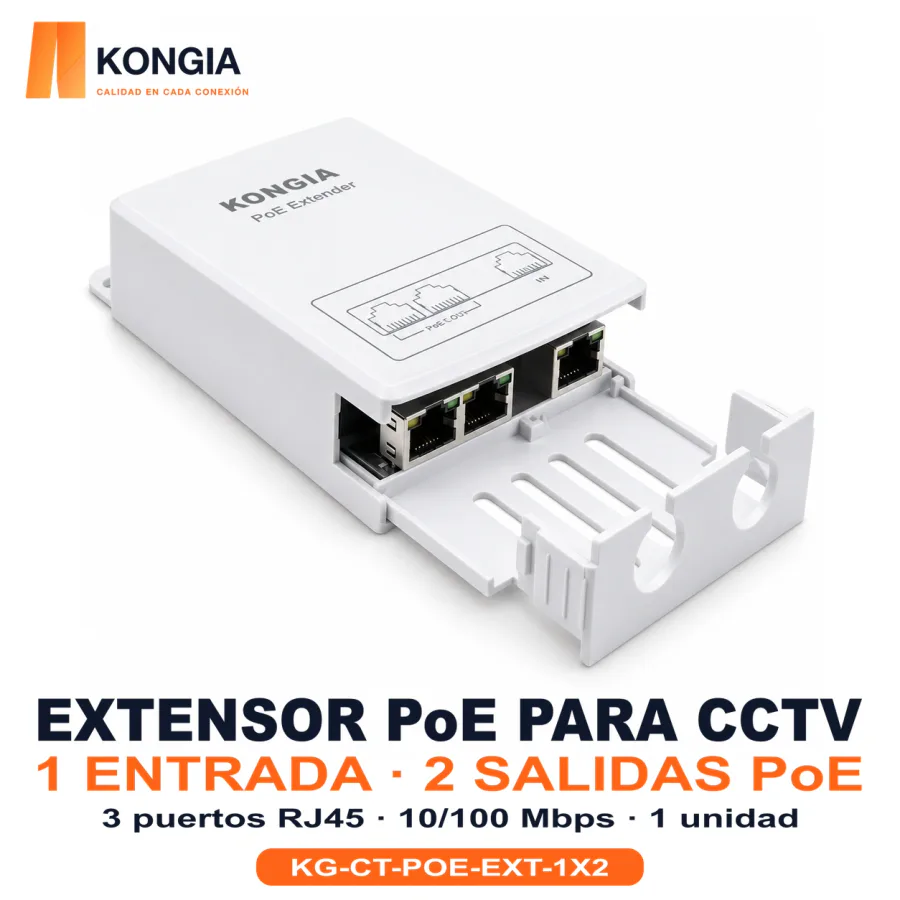
KG-CT-POE-EXT-1X2

CCTV accessories for camera connections, power distribution and PoE link extension. Choose by interface, power demand and cable route; check the exact SKU datasheet for project limits.
Chat on WhatsApp
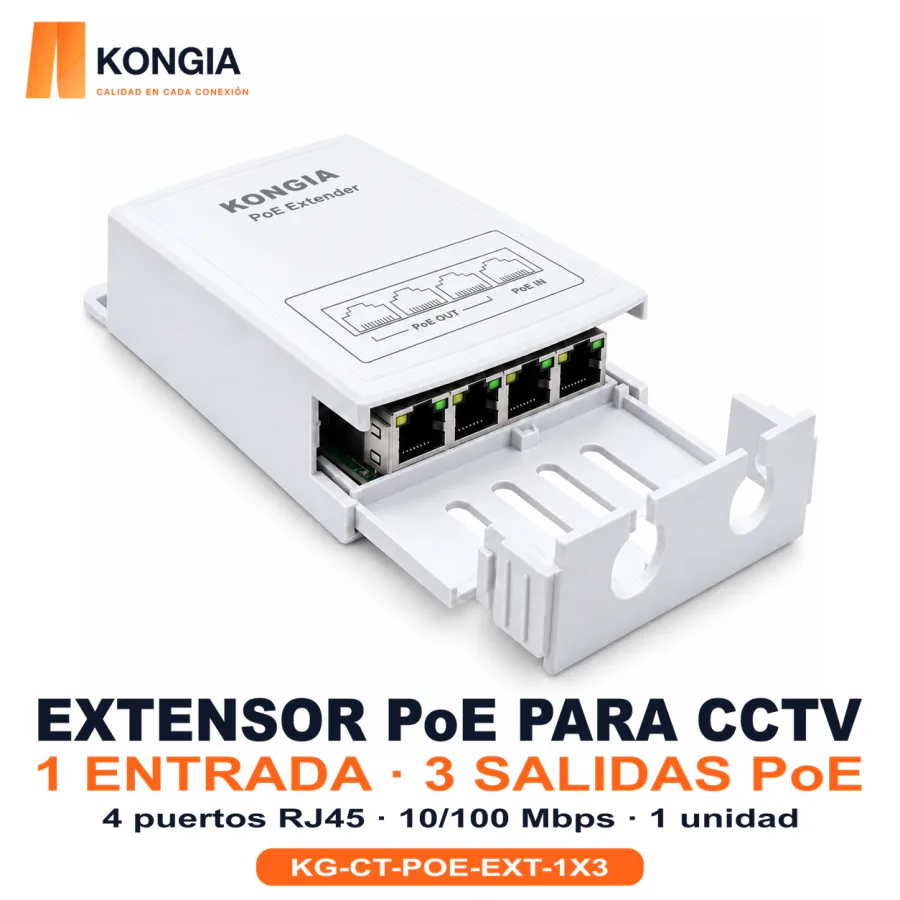
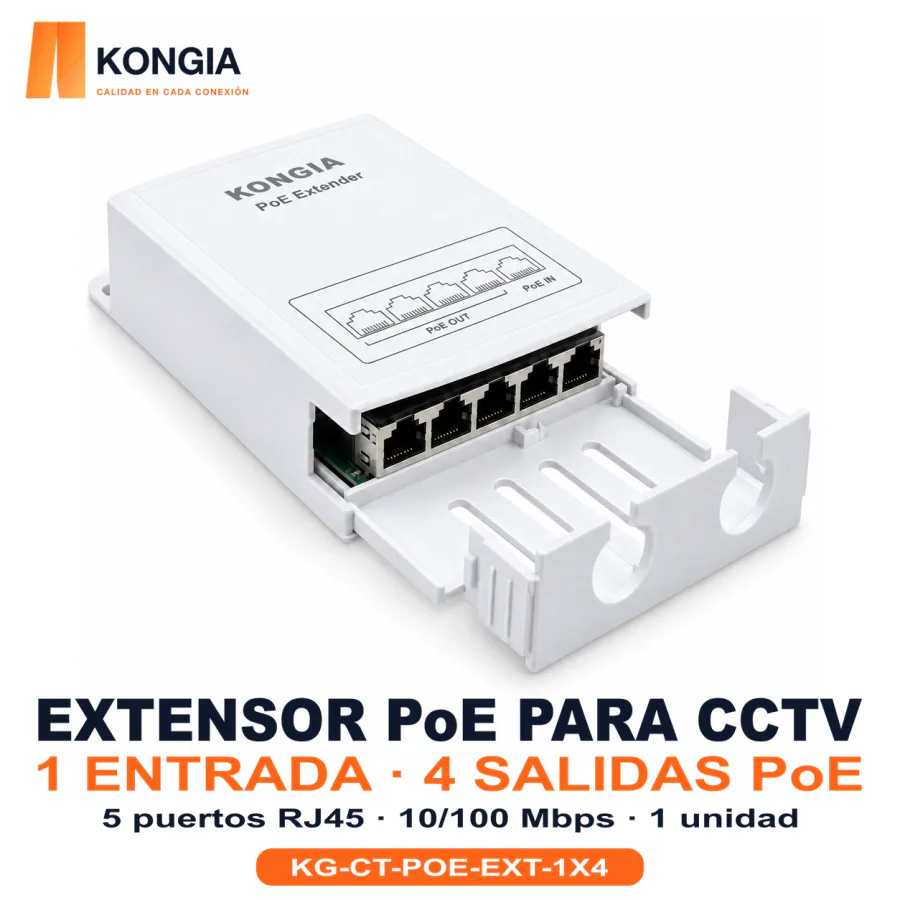
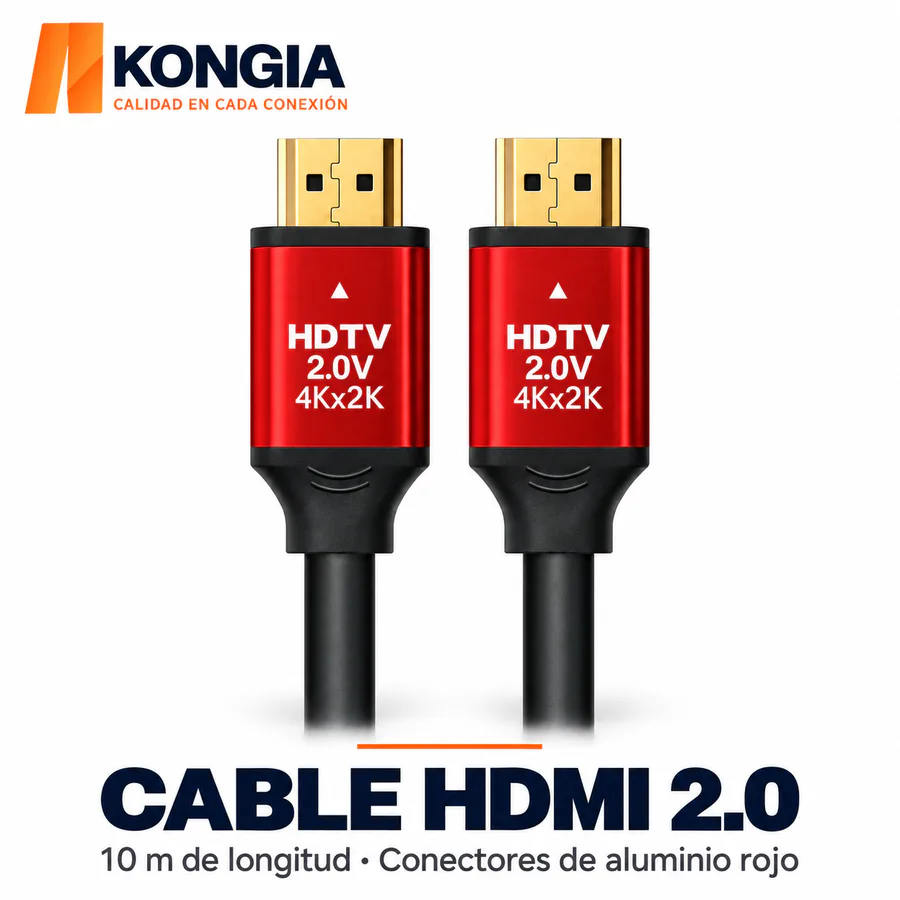
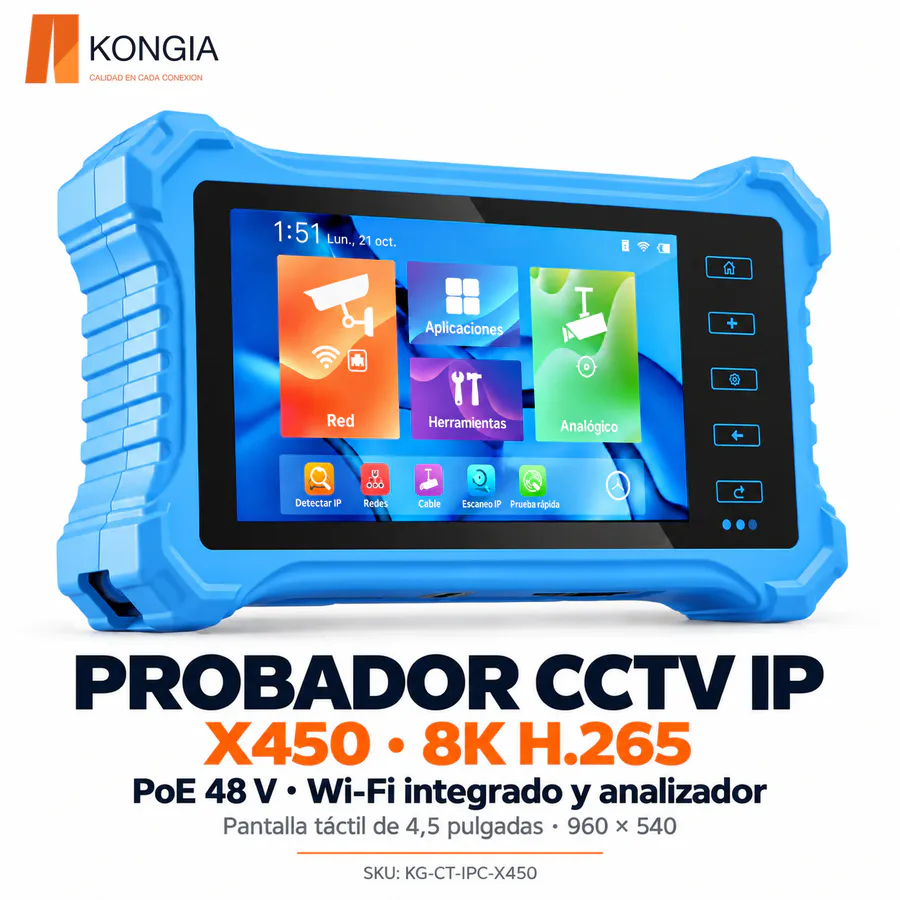
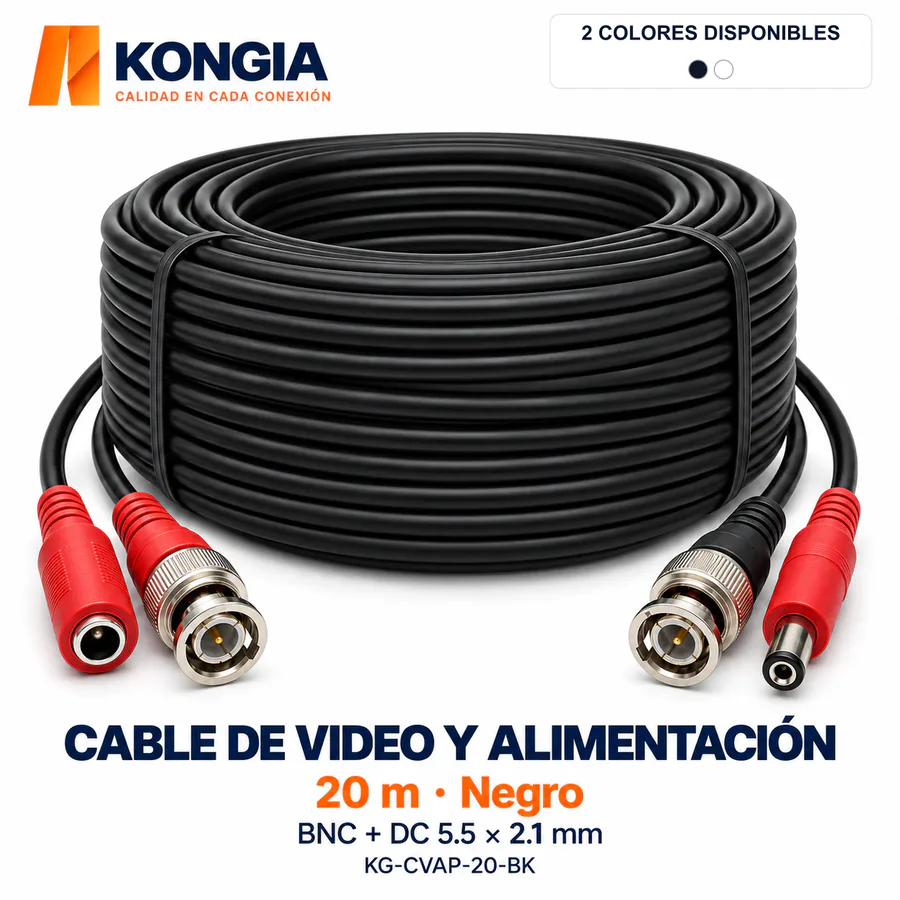
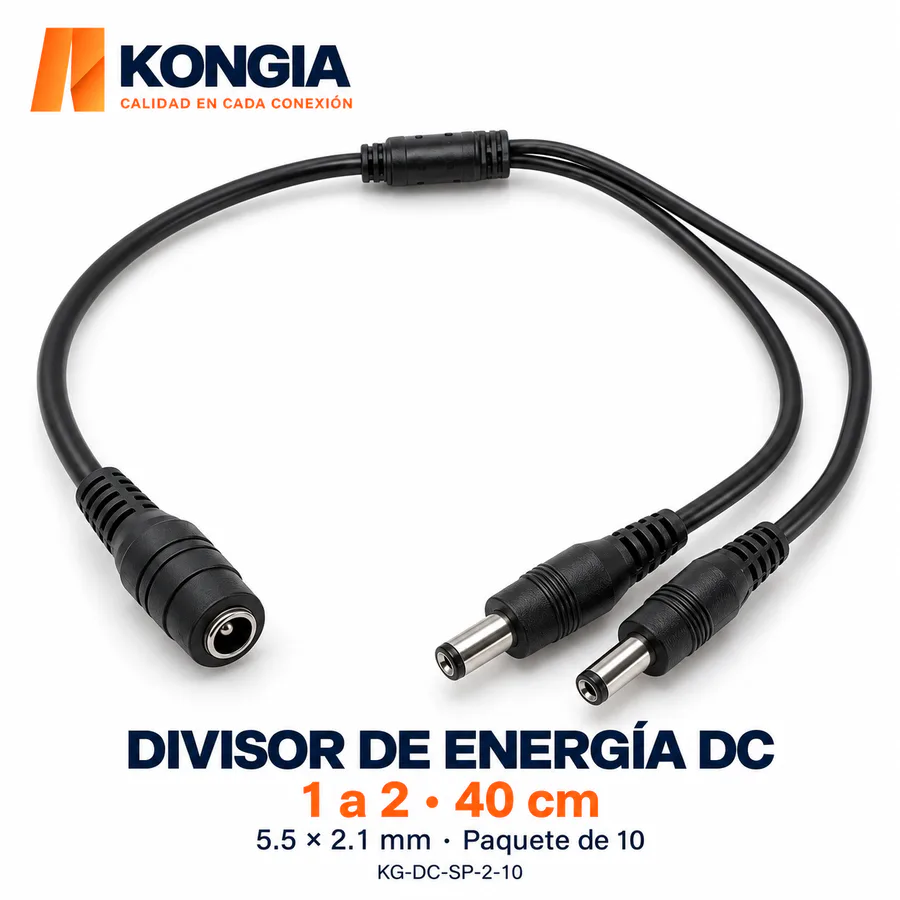
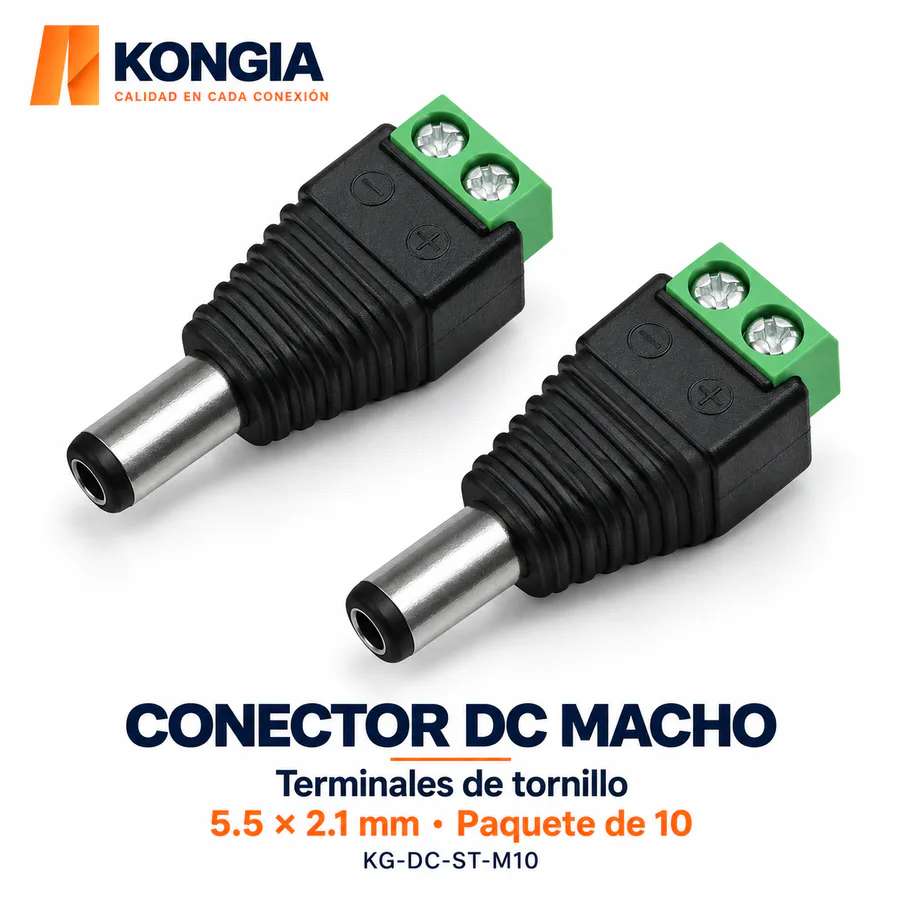
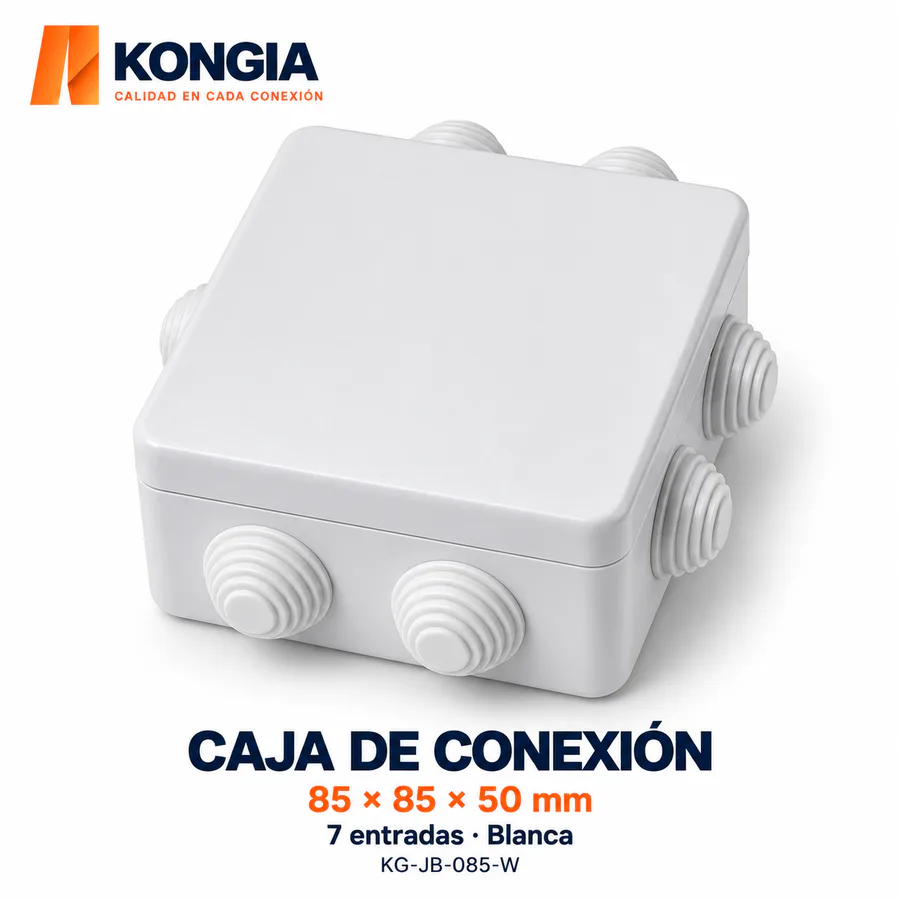
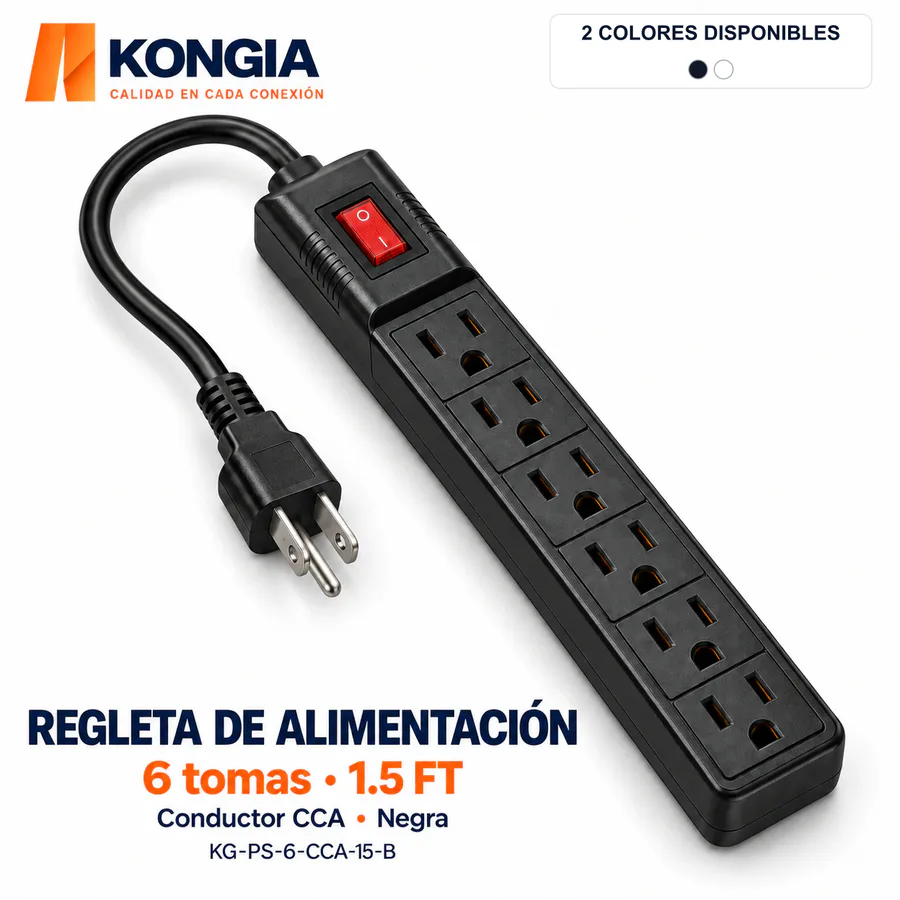

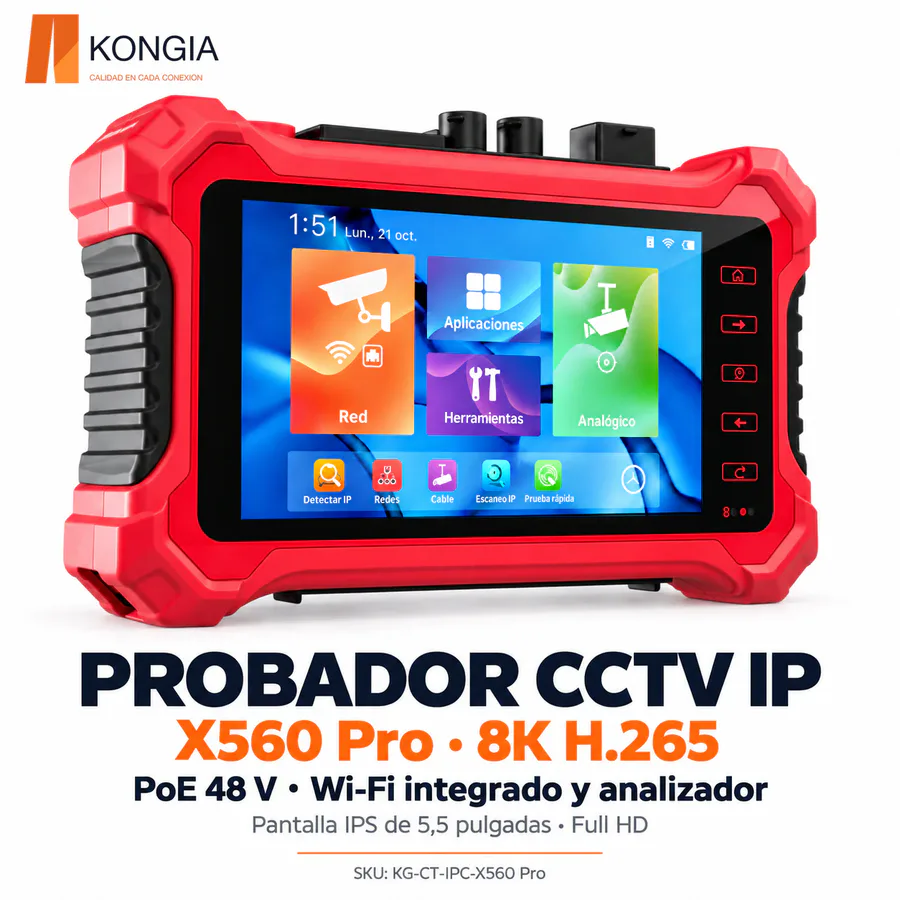
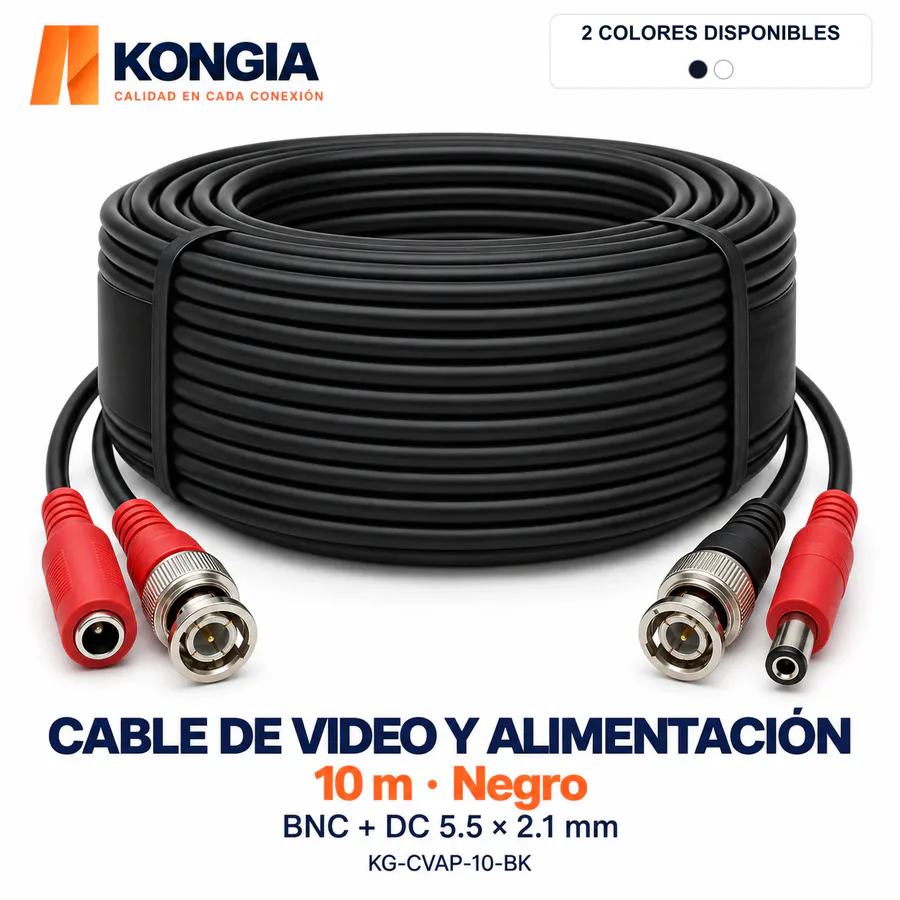
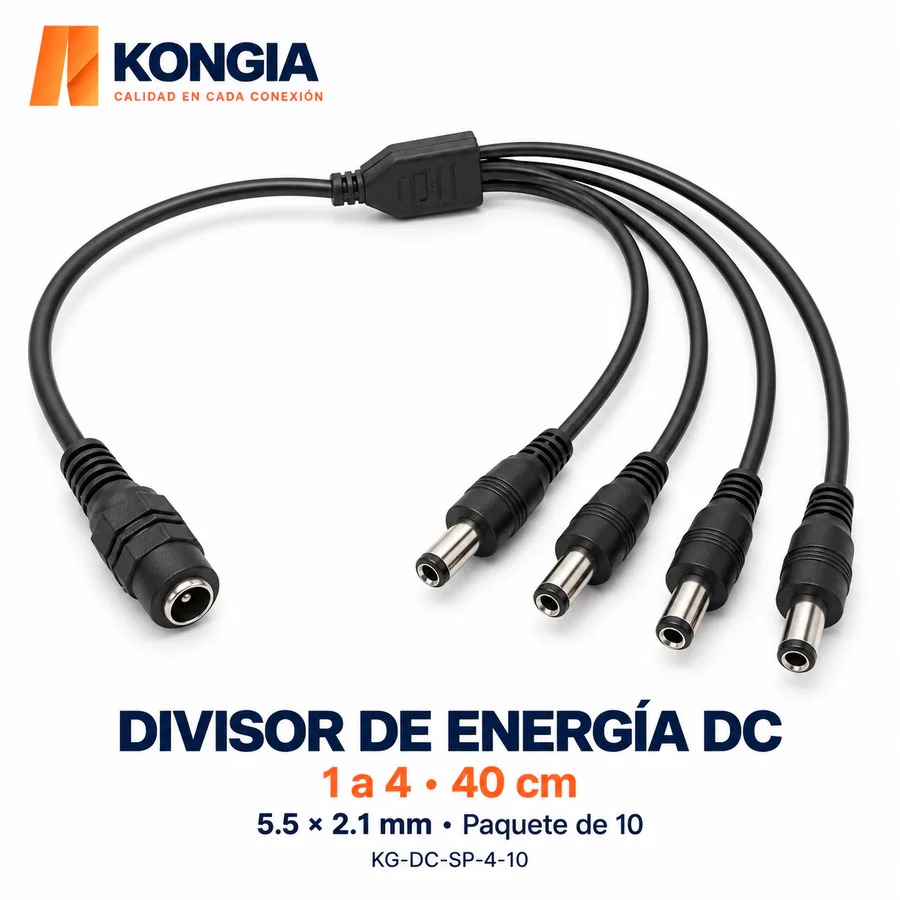
Compare extenders when adding network connection points. Check input power, total camera demand and each output limit before planning the cable route.
Identify the equipment signal and connectors before choosing baluns or adapters. An analog video accessory does not replace an Ethernet link.
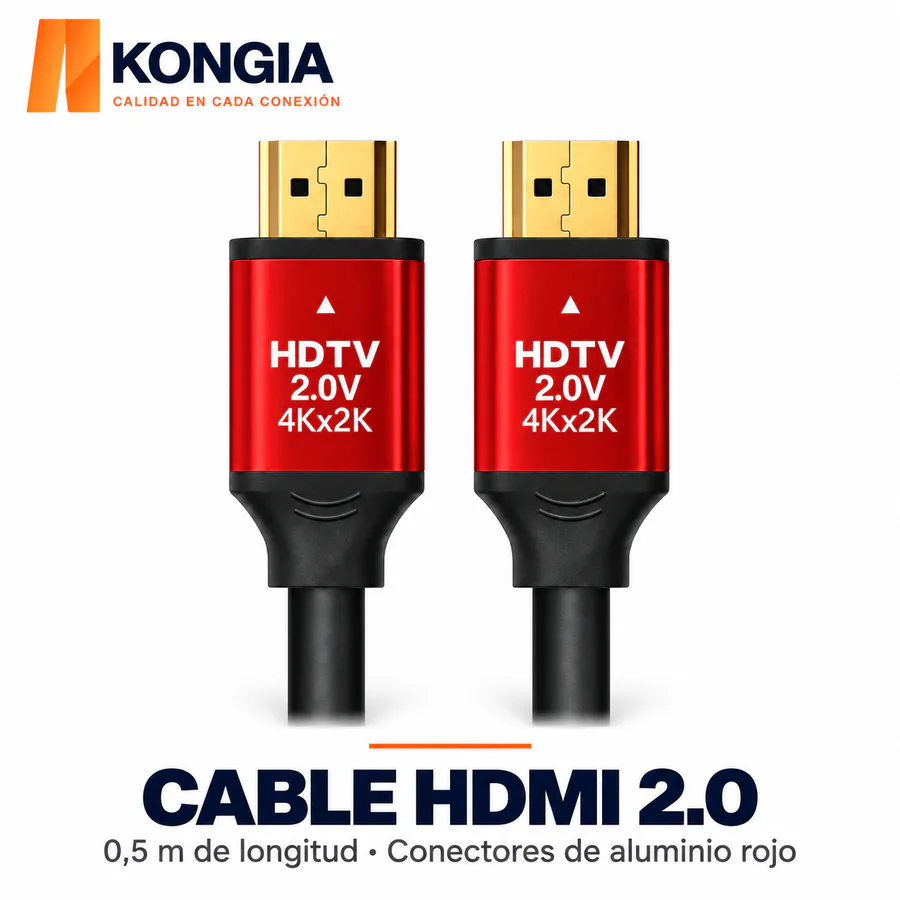
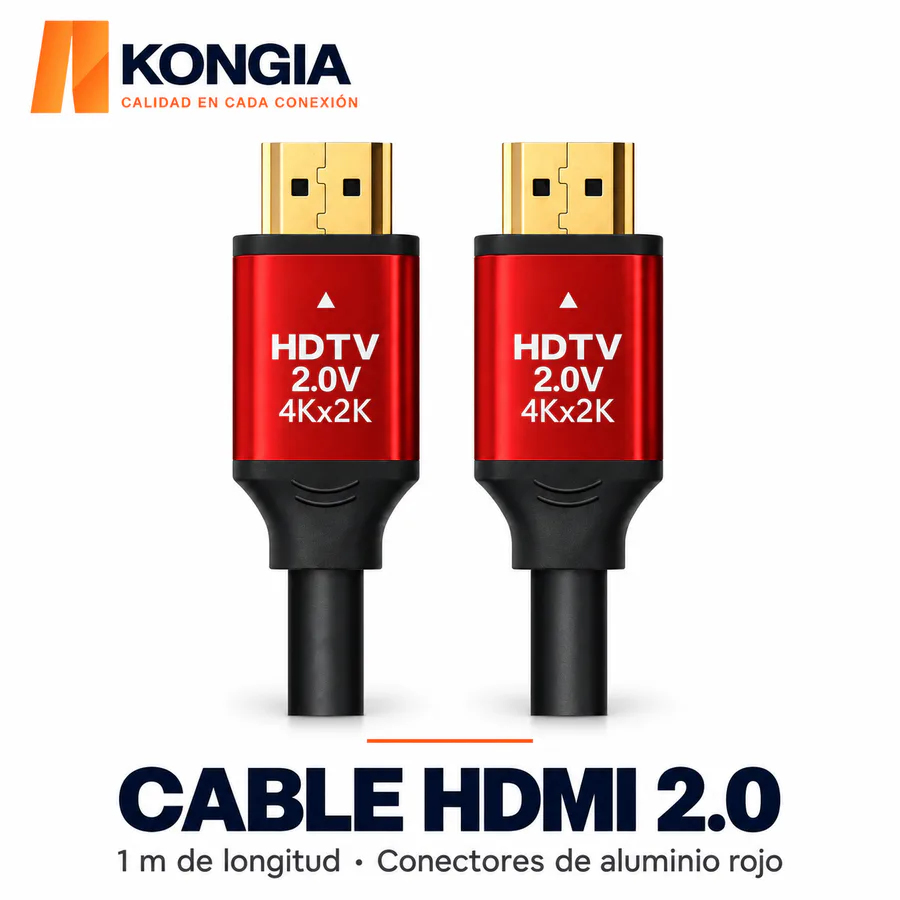
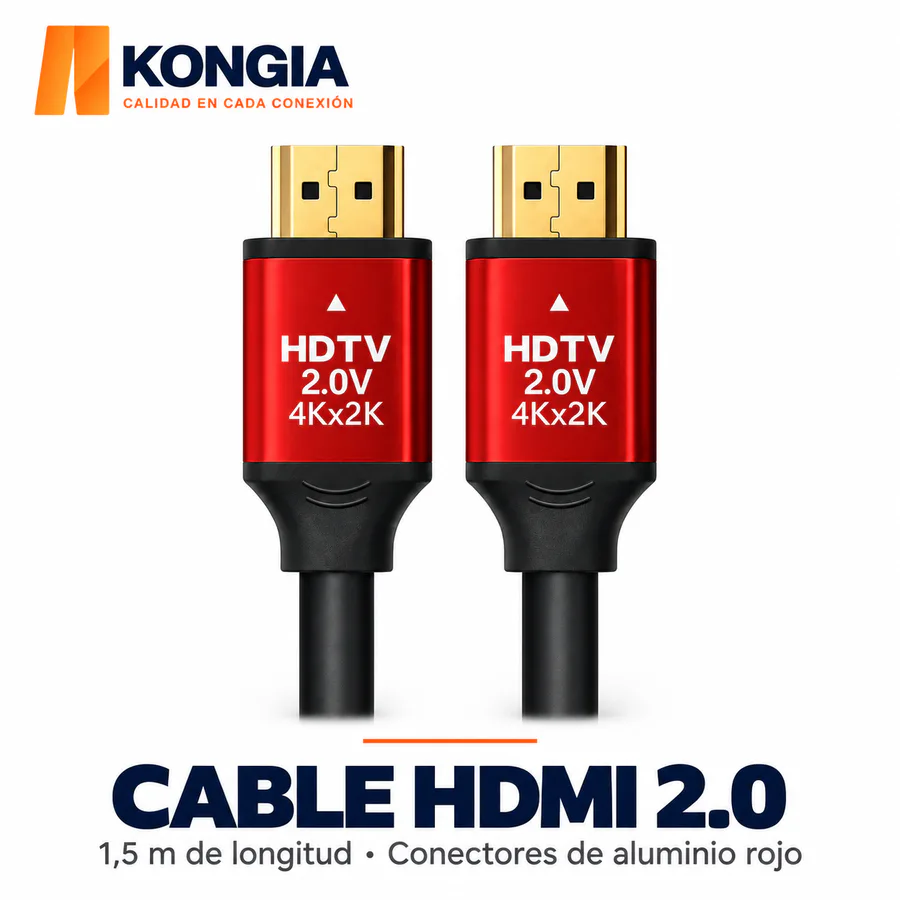
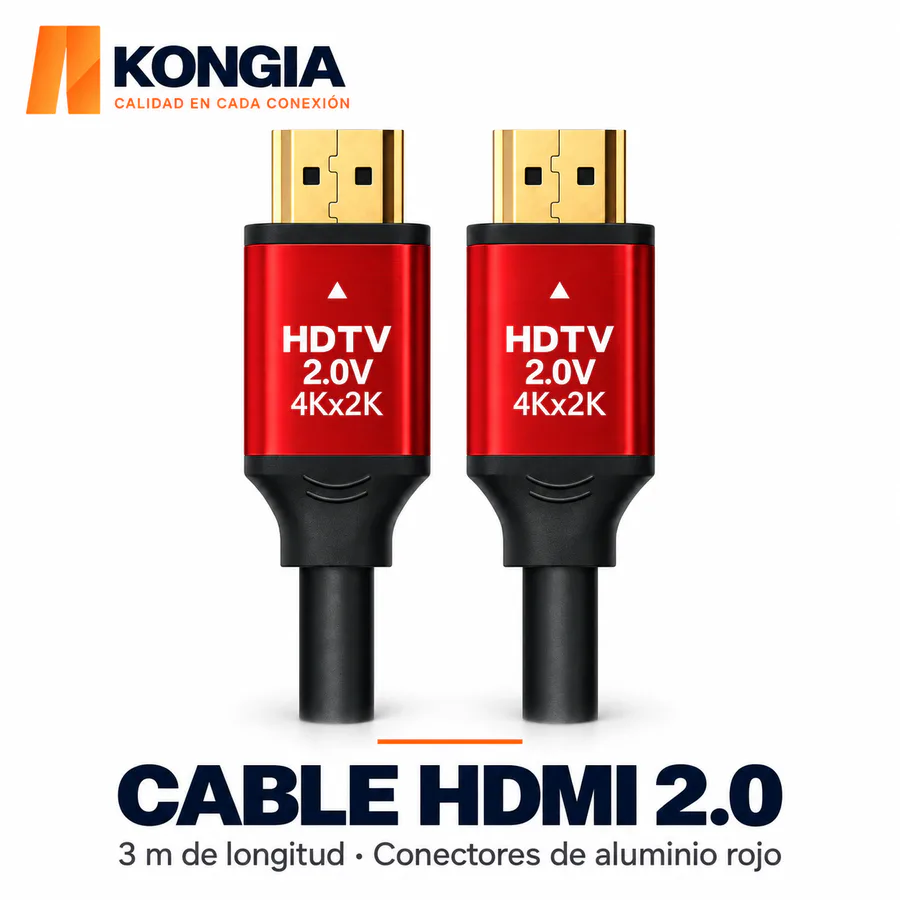
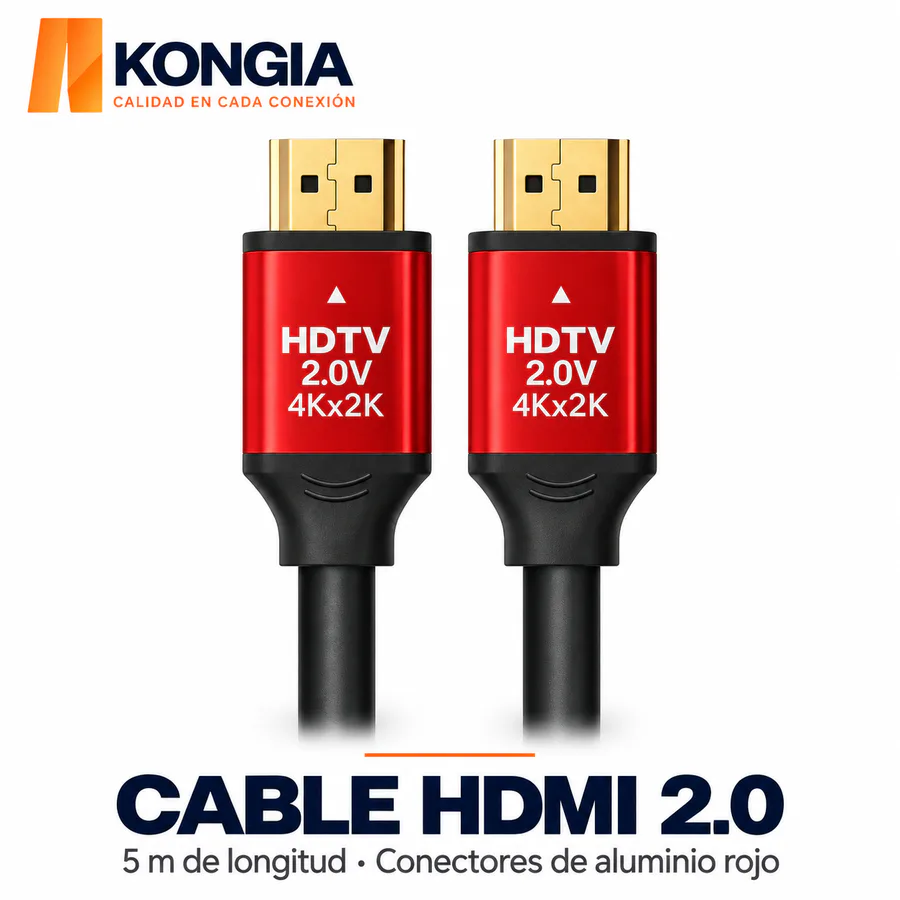
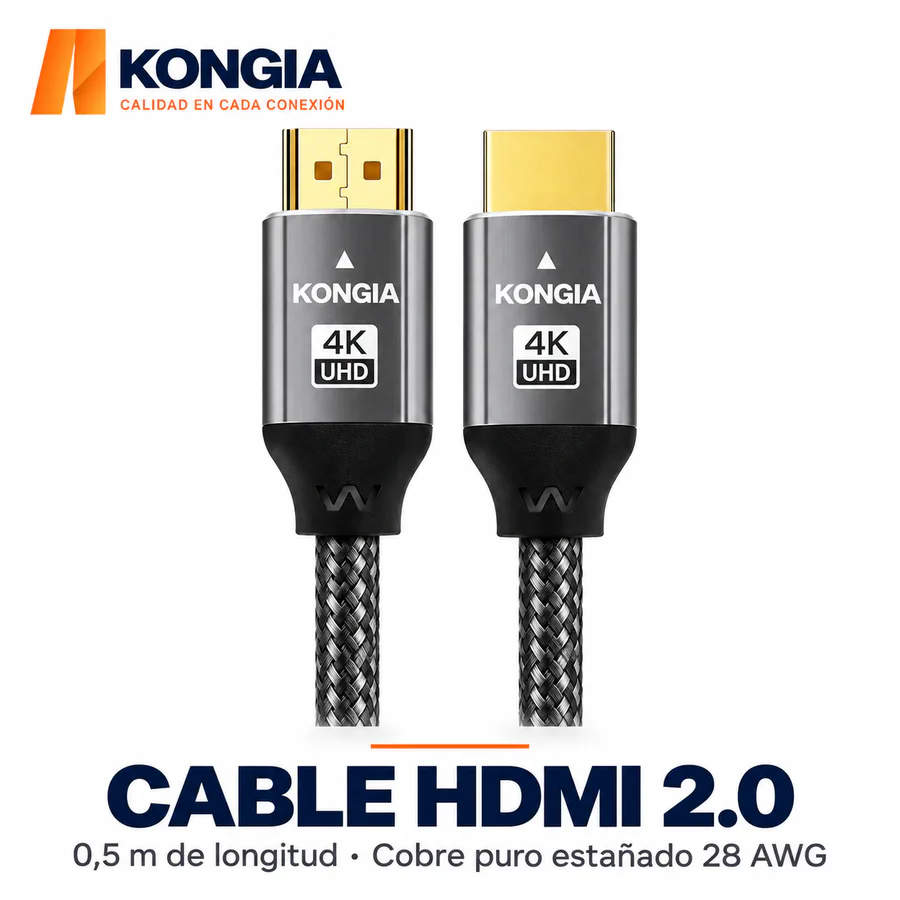
Select HDMI accessories by resolution, ports and the model’s supported length. Check the display connection separately from the camera connection.
| Check | Before ordering |
|---|---|
| Signal interface | Record whether each segment carries Ethernet, analog video or HDMI; confirm the camera, recorder and display ports. |
| PoE budget | Add maximum camera consumption and cable losses. Verify the PoE standard, input power, per-port limits and total extender output. |
| Distance and cable | Check the manufacturer’s supported length and cable specification for the exact configuration. Do not assume every extender supports the same distance or number of stages. |
| DC power | Check voltage, polarity, current and connector dimensions before connecting power supplies or adapters. |
| Installation | Review temperature, environmental protection and mounting location. Allow access for maintenance and cable protection. |
No. It redistributes available power and consumes some power itself. The output budget must cover connected cameras, losses and equipment limits.
Confirm that the camera uses Ethernet and a supported PoE standard. A DC-powered or passive-PoE camera requires a specific compatibility check.
No. HDMI carries a compatible recorder or device video output to a display; choose the camera’s network link separately.
Include camera and recorder models, camera count, power demand, each cable run length, available cable and installation conditions.