
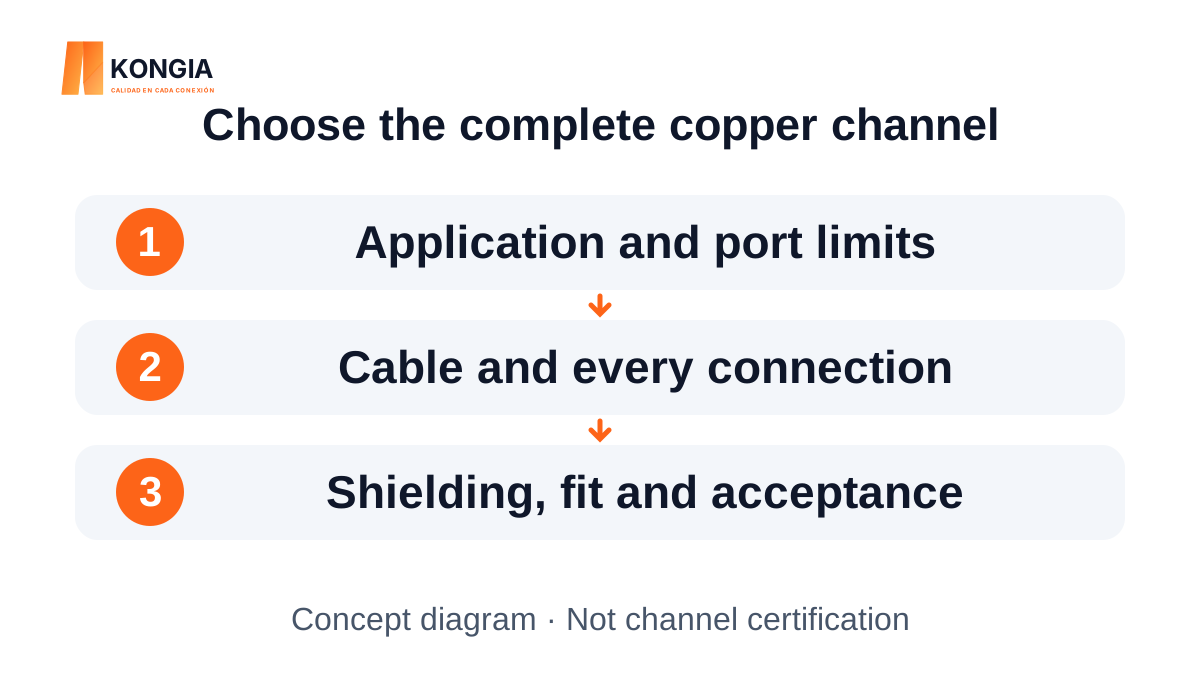
Quick answer. Choose Cat6 or Cat6A from the application and the whole channel, not an isolated component. Confirm data rate, distance, equipment limits, cable, connectivity, shielding and acceptance. A Cat6A coupler alone does not upgrade an existing link to Cat6A or guarantee a particular speed.
1. Define the application before comparing labels
The Cat6 or Cat6A decision starts with equipment data rate, the planned route and acceptance criteria. Distinguish an existing link you want to retain from a new installation intended for a different application. Record outlet count, environment and pathway constraints as well.
A category printed on a coupler does not describe the entire channel. Cable, plugs, jacks, panels and patch cords need to form a compatible assembly. A photograph or metal finish is not proof of category performance or data rate.
2. For 10GBASE-T, review the channel and the specific port
The cited Intel X540 documentation gives an example of 10GBASE-T up to 100 m on Cat6A and up to 55 m on Cat6. This does not mean every 55 m Cat6 installation will work: implementation, losses and crosstalk in the installed cabling still matter. For a new installation, specify the complete Cat6A requirements if that is the project target.
The equipment limit matters too. The SFP-10G-T-X in the cited Cisco sheet supports 10 Gb/s up to 30 m using Cat6A/Cat7 or better. Do not use a generic 100 m figure to override a port-specific restriction. Check both ends and the current equipment documentation.
3. A Cat6A coupler does not upgrade the rest of a link
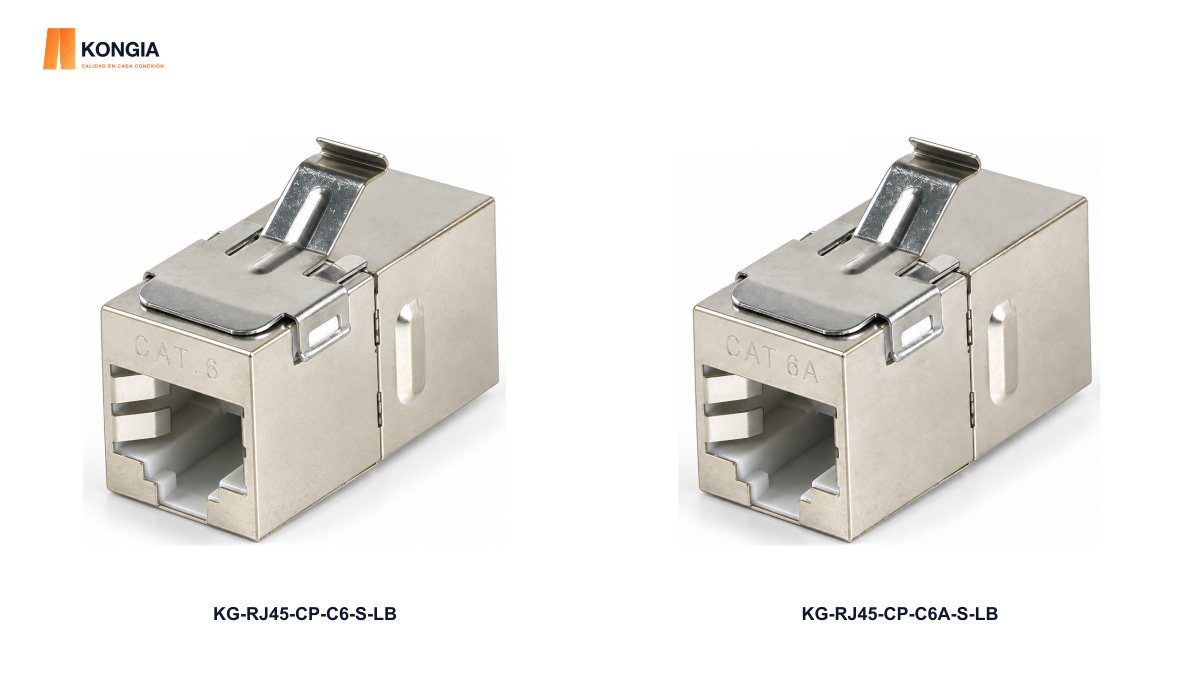
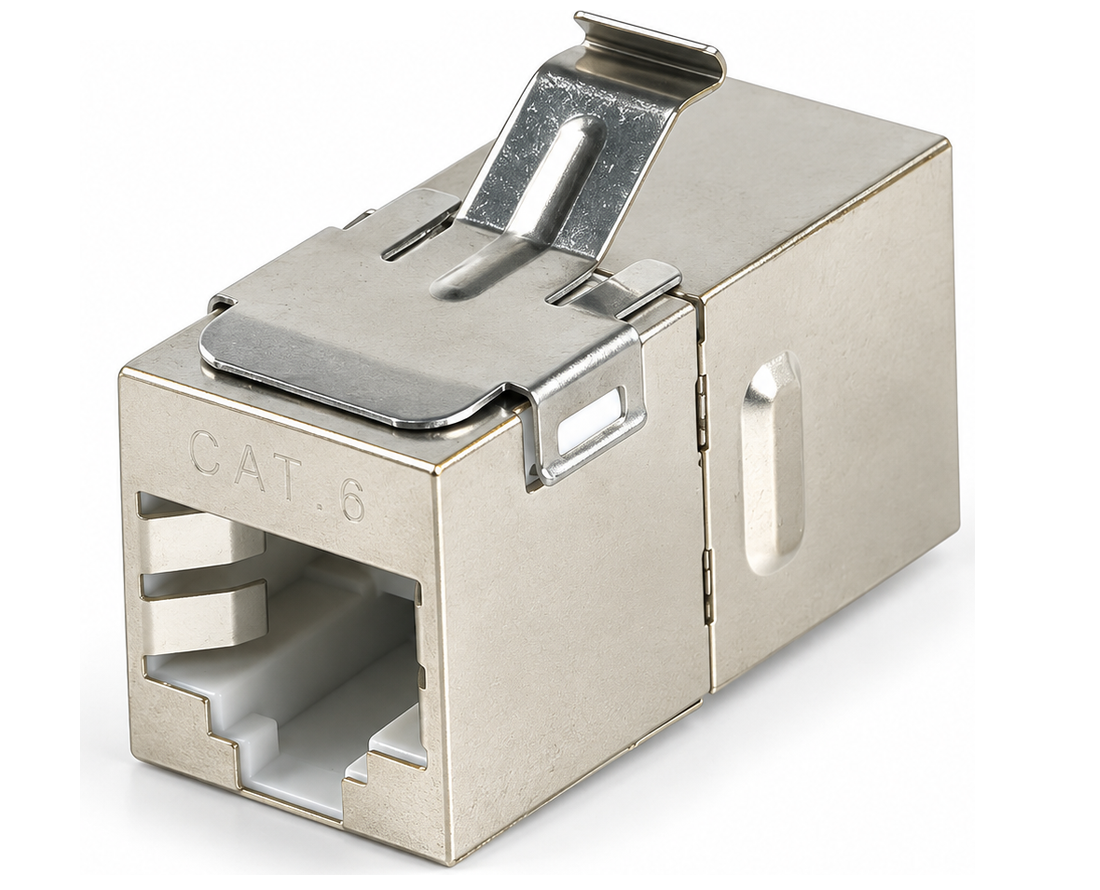
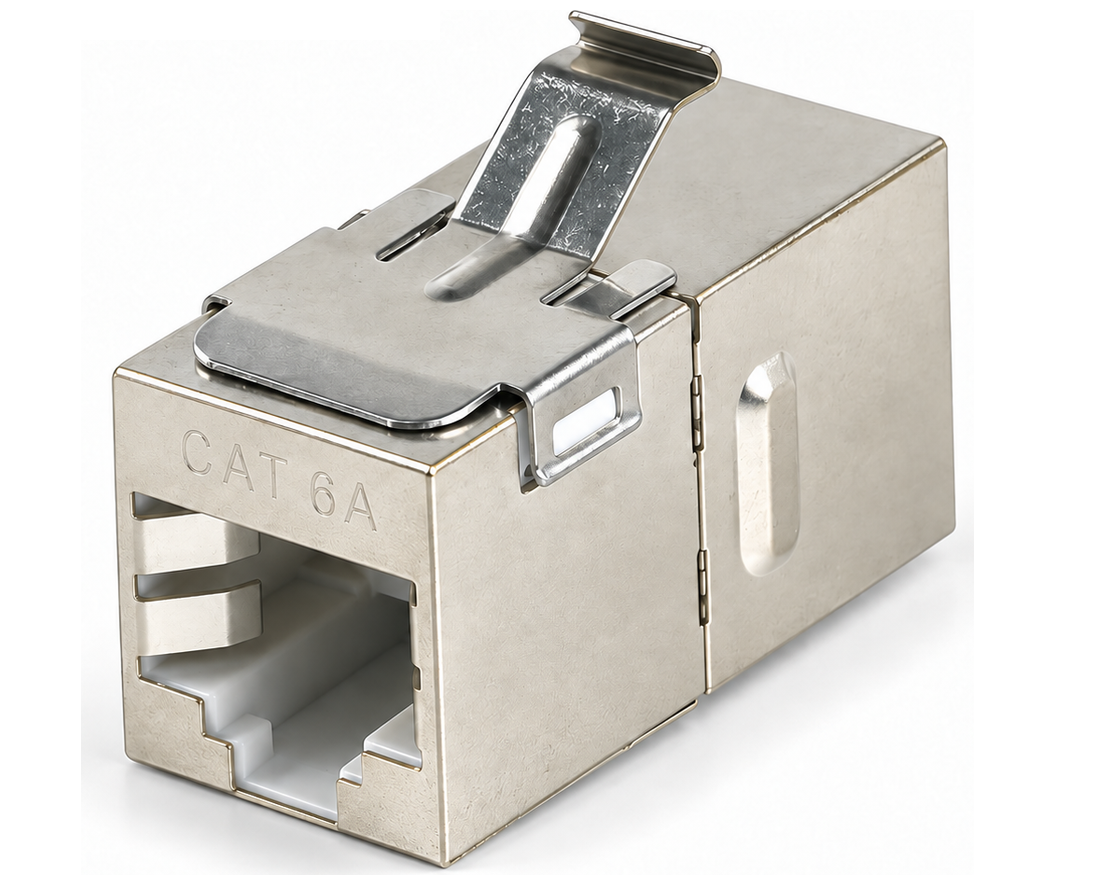
KONGIA KG-RJ45-CP-C6-S-LB and KG-RJ45-CP-C6A-S-LB are examples of shielded, long-body RJ45 female-to-female keystone couplers. Their sheets identify Cat6 and Cat6A respectively, a silver-finish copper shell and a one-piece ordering unit. Cables and equipment are not included.
This comparison helps identify a component by its reference. Replacing a Cat6 coupler alone with Cat6A does not turn existing cabling into a Cat6A channel. Confirm assembly documentation and acceptance results. The illustration is conceptual and does not establish channel certification or product performance.
| Project question | Cat6 | Cat6A |
|---|---|---|
| Assembly selection | Review application needs and installed cabling | Specify the complete assembly when the project requires Cat6A |
| Referenced KONGIA example | KG-RJ45-CP-C6-S-LB | KG-RJ45-CP-C6A-S-LB |
| Example function | Shielded RJ45 female-to-female keystone coupler | Shielded RJ45 female-to-female keystone coupler |
| Example sales unit | One piece; cables and equipment not included | One piece; cables and equipment not included |
| Reach and data rate | Verify the actual port and channel | Verify the actual port and channel |
| Acceptance | The component alone does not certify a channel | The component alone does not upgrade the rest of a channel |
4. Separate category, shielding and mechanical fit
Cat6A does not automatically mean shielded. For the two selected references, shielding is an explicit property of those product sheets. For a shielded system, check screen continuity, terminations and bonding according to the design and supplier instructions; an isolated metal housing does not complete that work.
Fluke warns that even installed shielded cabling can fail alien-crosstalk requirements when terminated incorrectly. Do not copy a test procedure without agreeing the applicable standard, edition and acceptance plan. Also check keystone opening, depth behind the plate, plug clearance and bend requirements for the actual cable.
5. Compare installed cost and acceptance
Compare materials and labor for the same application. Include cabling, connectivity, pathways, organization, installation, labeling and agreed testing. A lower-priced item may be unsuitable if it does not fit the panel or introduces a reference that is difficult to explain or replenish. No universal savings percentage applies to every project.
At receipt, verify SKU, declared category, sales unit and quantity. For PoE equipment, also confirm the power class, component compatibility and thermal conditions of the design; Cat6A alone does not specify the entire PoE capability. Retain the acceptance report and identification of each link.
6. A short checklist for a verifiable quotation
Send a requirements list rather than asking only for the fastest option. A distributor can use it to distinguish available product references from outstanding technical questions and explain the proposal to the installer. Confirm stock, delivery and price in the relevant quotation.
- Application, equipment and target data rate; port-specific limits.
- Complete route, environment, outlet count and existing cable documentation.
- Assembly category and shielding; termination and bonding requirements.
- Component SKUs, mechanical fit, sales units and quantities.
- Acceptance plan, required documentation and delivery city.
Related KONGIA products
Questions before ordering
Is Cat6A always shielded?
No. Category and shielding are separate properties. Both couplers compared here are shielded because their sheets specify it; check each reference.
Does changing the coupler to Cat6A upgrade the whole channel?
No. The compatibility and performance of the assembly must be verified, including cable, plugs, jacks, panels, patch cords and installation.
Does Cat6A guarantee 10 Gb/s at 100 m with any equipment?
No. Port limits and channel conditions still apply. Some RJ45 SFP+ modules have shorter limits; consult the exact model.
Do the referenced couplers include cable?
No. The KG-RJ45-CP-C6-S-LB and KG-RJ45-CP-C6A-S-LB sheets state one piece per ordering unit, without cables or equipment.
The KONGIA approach
KONGIA aims to make connectivity decisions easier for distributors to explain and installers to verify. In cabling, that means distinguishing a component category from whole-channel performance. We seek to simplify selection, purchasing and promotion through clear information, respecting channel investment and the responsibilities agreed in writing.
Our purpose and values →Sources and scope
Decision guidance, not channel certification, PoE design or product testing. Intel and Cisco examples apply to their specific equipment; Fluke notes explain installation principles. They do not establish performance of the referenced KONGIA SKUs. Confirm project conditions and applicable standards.
- Intel — Ethernet Controller X540 Datasheet, 10GBASE-T line interface
- Cisco — SFP-10G-T-X cabling specifications, 10GBASE SFP+ Modules Data Sheet
- Fluke Networks — Shielded cabling systems; installation and alien crosstalk
- KONGIA — KG-RJ45-CP-C6-S-LB
- KONGIA — KG-RJ45-CP-C6A-S-LB
Prepared with AI assistance and the listed references. This is not an independent test report. Illustrations are conceptual and do not represent an actual installation. The product images use approved KONGIA catalog originals; separate technical diagrams remain explanatory. Editorial policy