
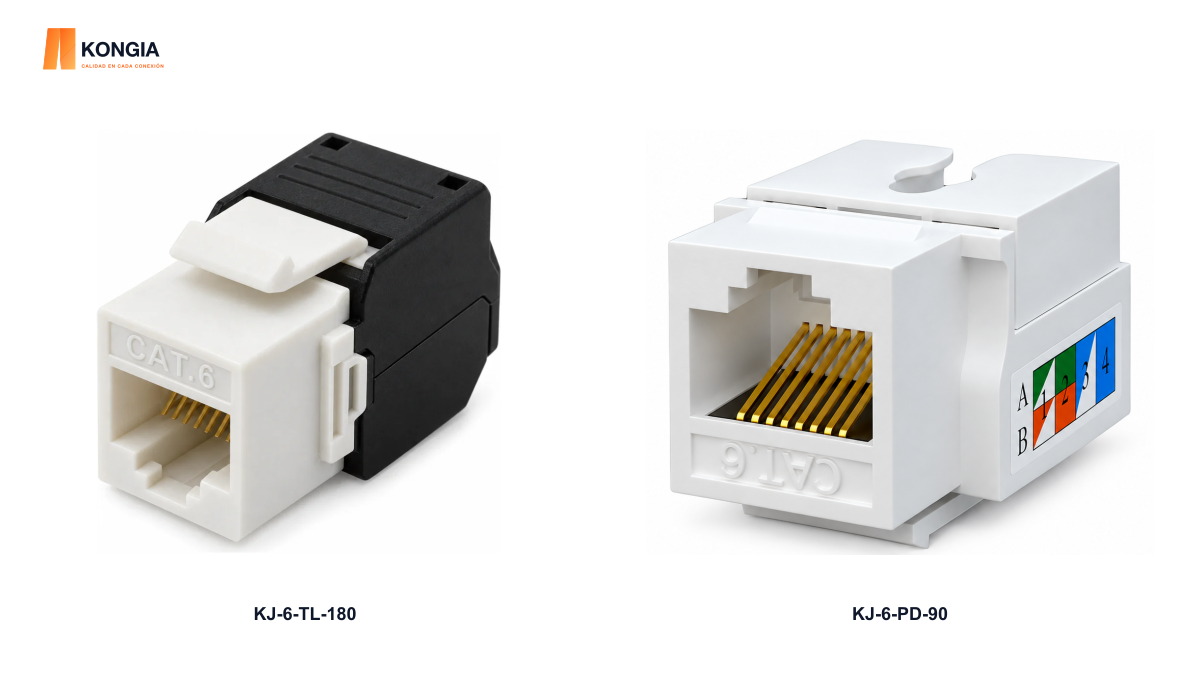
Quick answer. Choose the required category, cable and mounting location first. Then compare termination: a toolless jack closes the pairs without a punch-down tool, while a punch-down jack uses the specified tool. Neither removes the need for cable preparation or final testing.
1. Define the installation point
Record the required category, the cable to be used and the faceplate or panel that will hold the jack. Check gauge, conductor construction and shielding in the relevant datasheets. The Cat6 name alone does not establish compatibility between every combination.
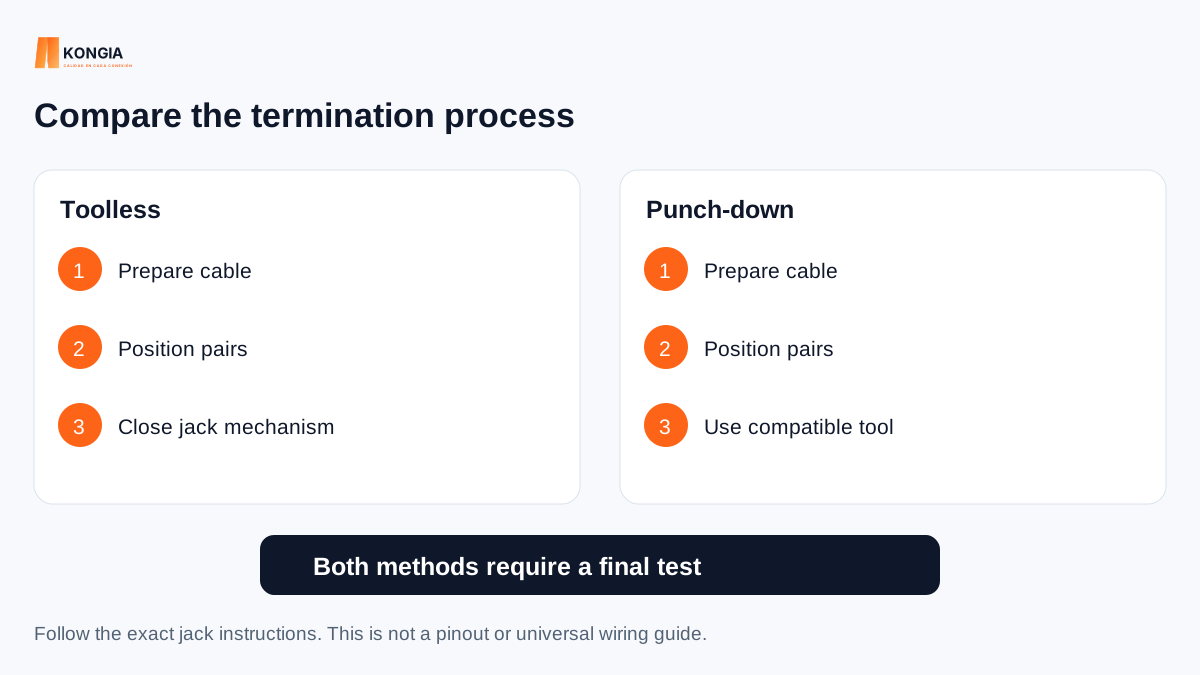
2. Compare the termination work
Choose a method your team can perform and inspect consistently. Do not assume faster work or higher quality solely from the name of the mechanism.
| Criterion | Toolless | Punch-down |
|---|---|---|
| Pair closure | Jack closure mechanism | Compatible punch-down tool |
| Preparation | Stripping and pair organization | Stripping and pair organization |
| Verification | Inspect termination and test the link | Inspect termination and test the link |
3. Separate termination method from geometry
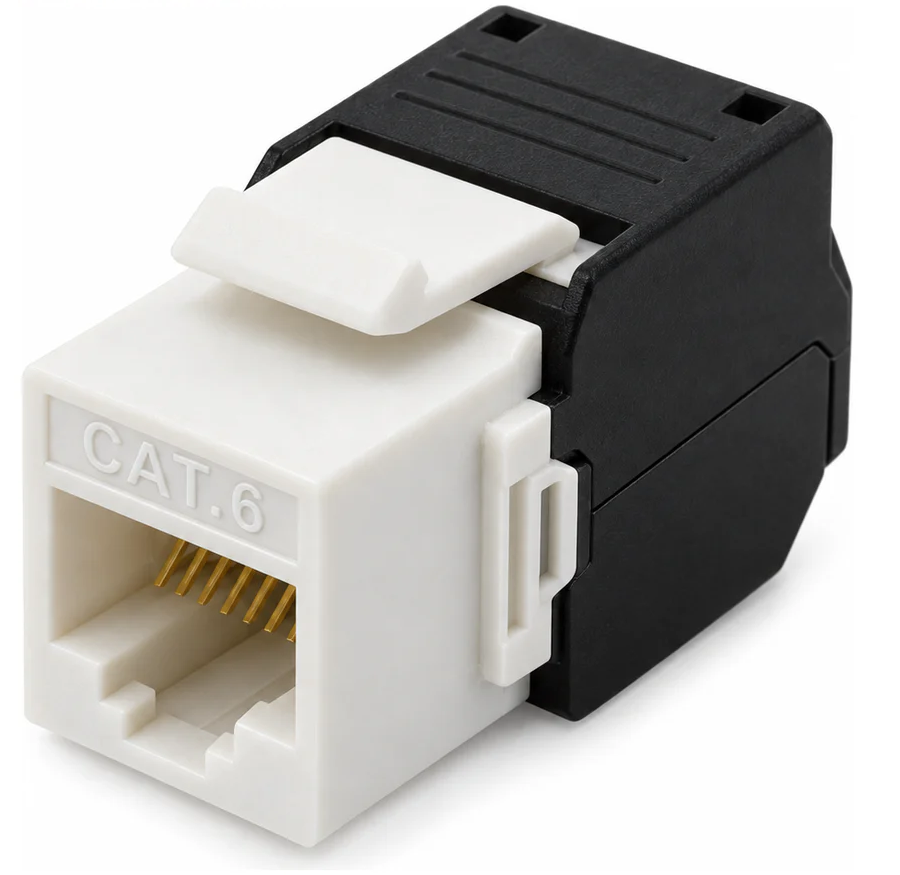
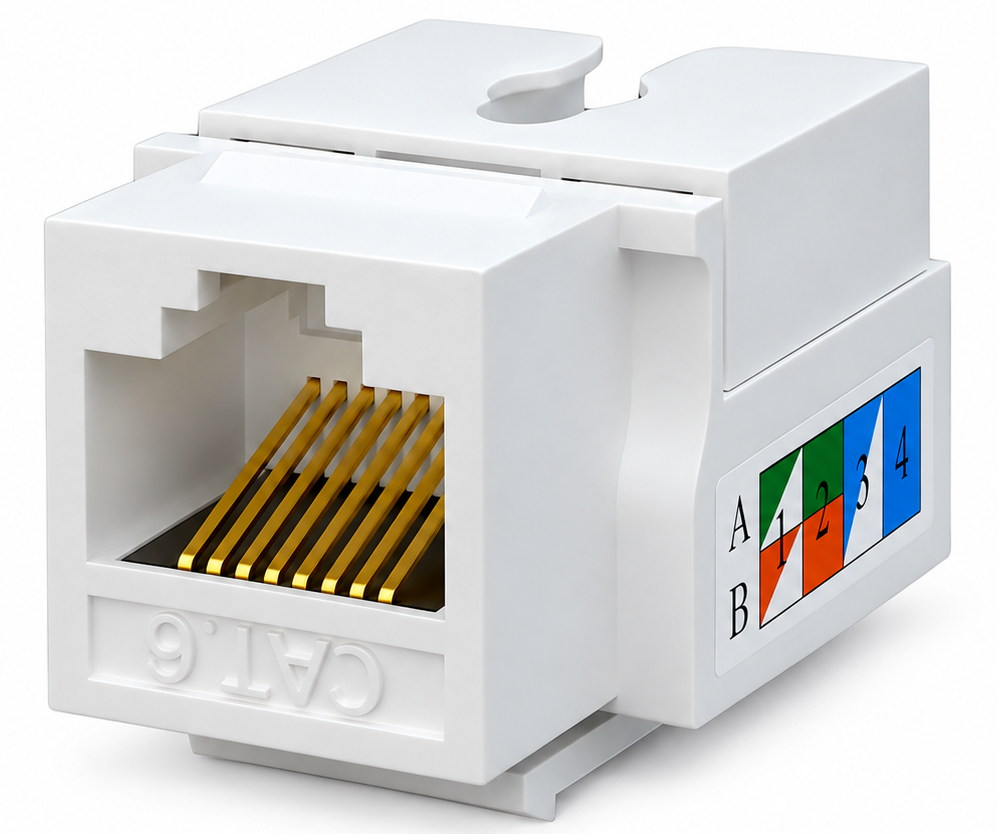
KJ-6-TL-180 has a 180° cable exit and toolless termination; KJ-6-PD-90 is a 90° punch-down model. Comparing these references changes two characteristics: termination and exit direction. Check rear clearance and cable routing, not just the tool.
4. Review mounting and delivery
Check opening dimensions and port spacing on the panel or faceplate. Confirm color, pack quantity and included accessories. For repeat purchasing, test a sample with the actual components before finalizing the bill of materials.
5. Prepare the technical enquiry
A basic continuity check does not replace performance certification where the project requires it. Confirm the test equipment’s capabilities with the technical lead.
- Specify SKU, quantity and required color.
- Share the cable datasheet and panel or faceplate model.
- Describe available space and cable entry direction.
- State the installation test and acceptance criteria.
Related KONGIA products
Questions before ordering
Does toolless mean no tools at all?
No. Cable preparation and final checking are still needed; the jack closure does not require a punch-down tool.
Does 180° mean a higher network speed?
No. It describes cable-exit geometry, not link speed.
Sources and scope
Selection guidance based on the two cited models. Confirm compatibility and installation requirements for your project.
This guide was prepared with AI assistance using the listed product information and references. It is not an independent test report. Specifications and availability must be confirmed for the exact SKU and project. Editorial policy