
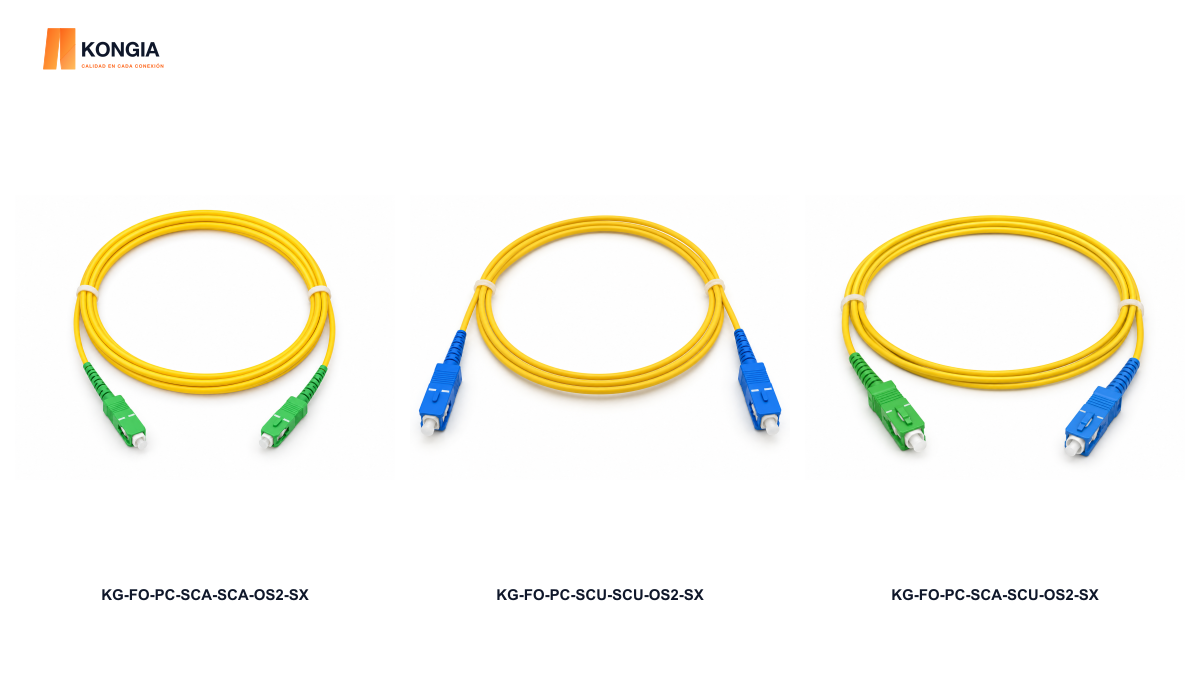
Quick answer. SC describes the connector format; APC and UPC identify different contact-face finishes. Do not mate an APC end directly with a UPC end. A hybrid patch cord is different: each end must meet an interface with the matching finish.
1. Separate format from polish
Two SC connectors may appear to fit while their finishes are incompatible. Fluke Networks describes UPC as slightly rounded and APC as angled. Its documentation warns that mating APC directly to UPC gives poor performance and can damage the endfaces.
Treat compatibility as a purchasing requirement. A request stating only “SC” is incomplete: ask for each port polish and the equipment reference before selecting replacement stock.
2. Compare the ends you will actually connect
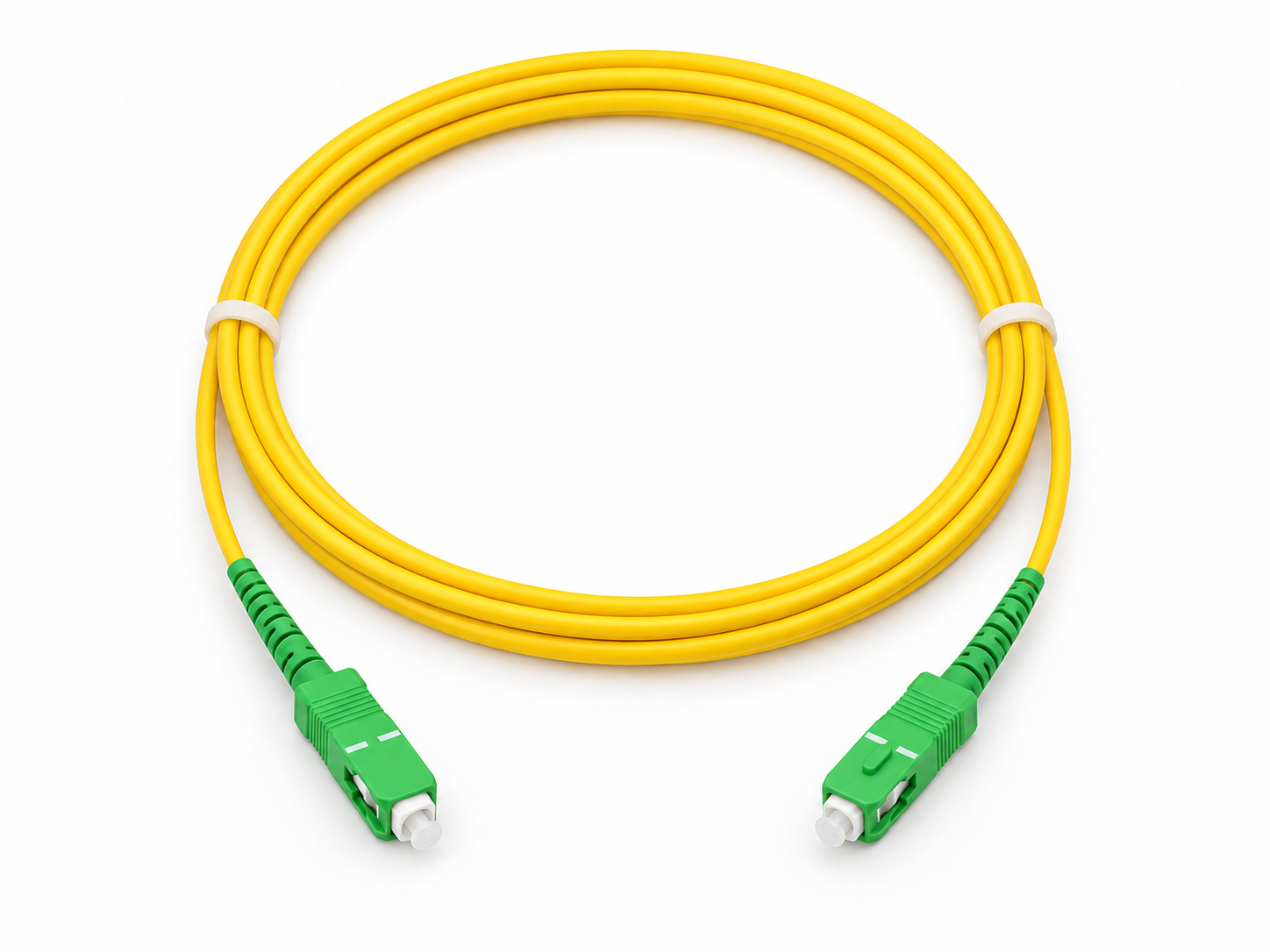
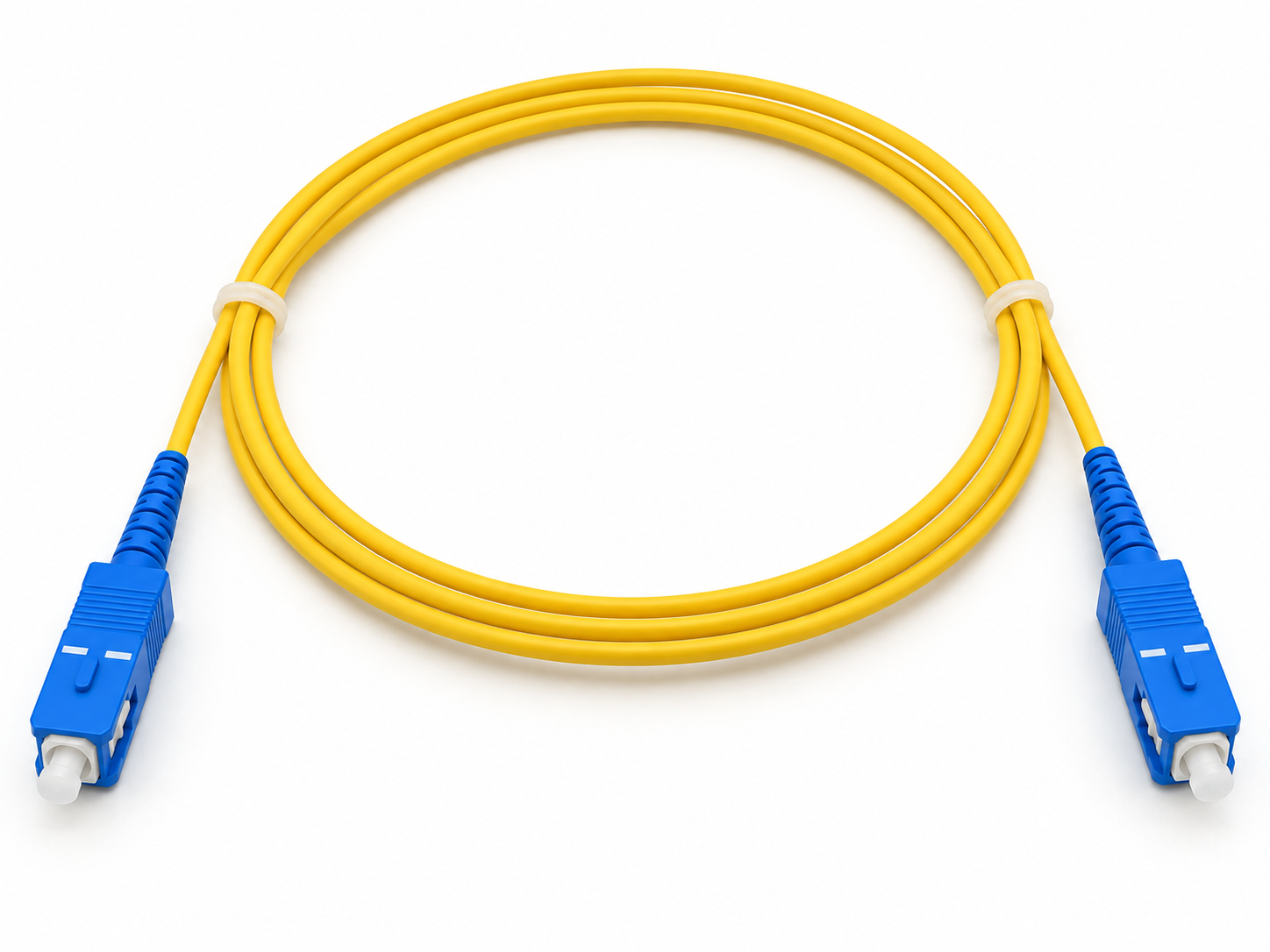
Green and blue are common identification clues for single-mode APC and UPC connectors respectively. Verify labels and port documentation; a photograph or colored dust cap alone cannot settle an incomplete specification.
| Check | SC/APC | SC/UPC |
|---|---|---|
| Format | SC | SC |
| Polish to confirm | APC | UPC |
| Common color clue | Green | Blue |
| Intended direct contact | APC to APC | UPC to UPC |
| Purchase information | Type at both ends | Type at both ends |
3. A hybrid is not direct APC-to-UPC contact
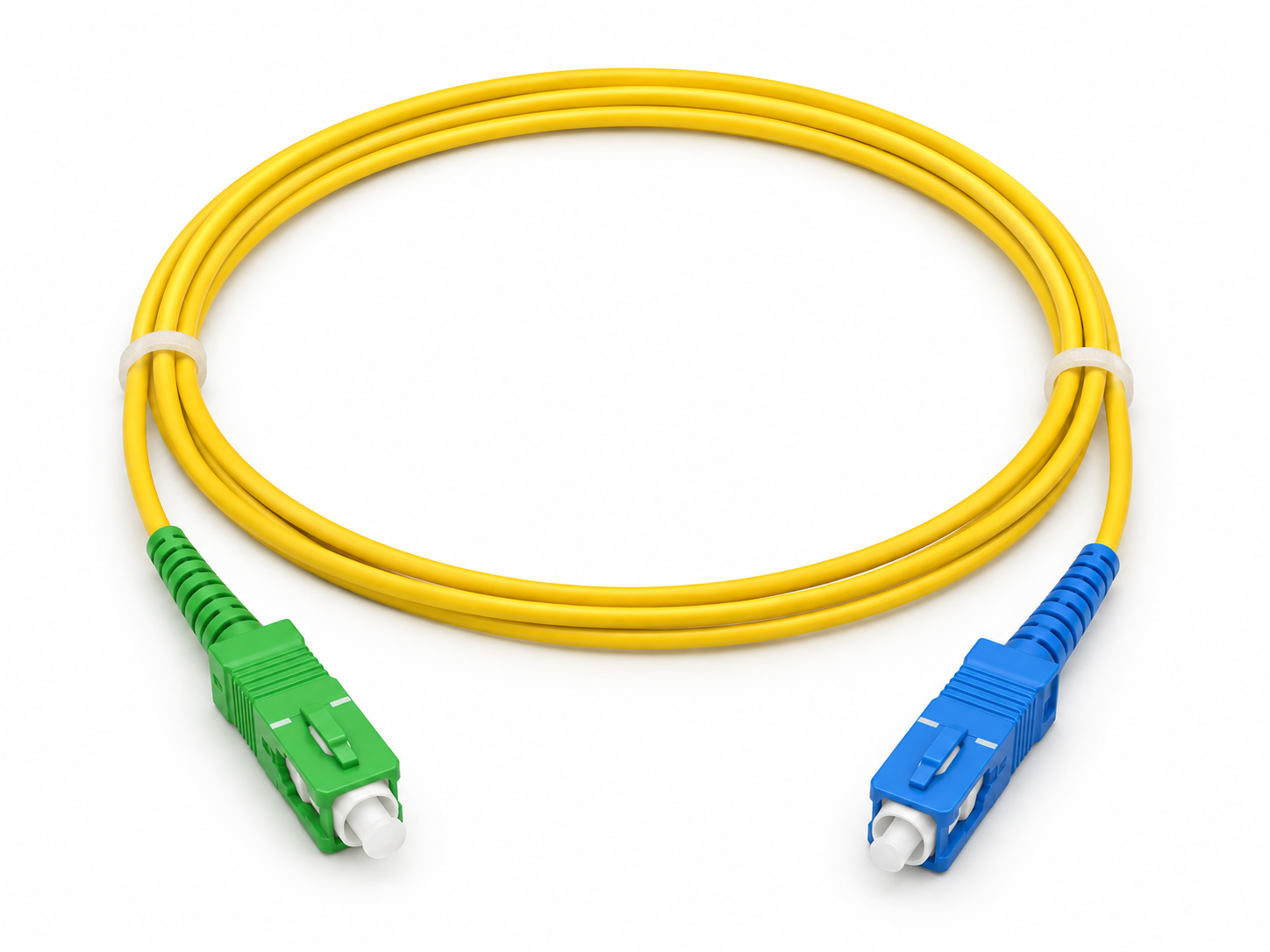
KONGIA KG-FO-PC-SCA-SCU-OS2-SX has SC/APC at one end and SC/UPC at the other, joined by OS2 simplex fiber. In a compatible application, the APC end mates to APC and the UPC end to UPC: the two differently polished faces do not meet directly.
Specification example, not a verified installation: a panel requires SC/APC and a device requires SC/UPC. The hybrid can be evaluated if fiber and optical requirements also match. Write both interfaces on the order; do not replace this assembly with an arbitrary adapter.
4. Choose the family, then the length
KONGIA publishes three related families: KG-FO-PC-SCA-SCA-OS2-SX for APC–APC, KG-FO-PC-SCU-SCU-OS2-SX for UPC–UPC and KG-FO-PC-SCA-SCU-OS2-SX for APC–UPC at separate ends. Their pages describe OS2 single-mode G.652D 9/125 µm construction with one simplex fiber.
Published length options are 1, 2, 3, 5, 10 and 20 m. The images show 1 m; the ordering model includes length. State quantity, route and available space to avoid selecting the wrong variant. Catalog options do not establish inventory or delivery in Chile.
5. Review before purchase and installation
Fluke documents that mixed APC/UPC contact also harms reflection performance. Avoid interpreting a test with unsuitable accessories as a failure of a new cable. Select the instrument and reference cords for the interface under test.
- Record each port make/model and confirm its polish.
- Select fiber, strand count, endpoint types and length.
- Specify SKU, length variant and quantity.
- Ask the installer to inspect and clean with appropriate tools; do not look into an active fiber.
- Record the check result and preserve the assembly identification.
Related KONGIA products
Questions before ordering
Is a green cord always compatible with a green port?
Do not rely on color alone. Check format, polish, fiber and equipment requirements.
Why does an APC–UPC cord exist if the finishes must not meet?
Its different ends are separated by fiber. Each end must mate to the matching finish on its device or panel.
Does SC define speed or reach?
It is insufficient to determine either. Fiber, optics and link conditions must also be specified.
Sources and scope
An interface-selection guide. SKUs and lengths come from the KONGIA pages reviewed. Fluke references explain polish and mating; they do not test or certify these patch cords.
- Fluke Networks — What is an APC connector and how do I test it?
- Fluke Networks — Angled physical contact connectors
- KONGIA — KG-FO-PC-SCA-SCA-OS2-SX
- KONGIA — KG-FO-PC-SCU-SCU-OS2-SX
- KONGIA — KG-FO-PC-SCA-SCU-OS2-SX
This guide was prepared with AI assistance using the listed product information and references. It is not an independent test report. Specifications and availability must be confirmed for the exact SKU and project. Editorial policy