
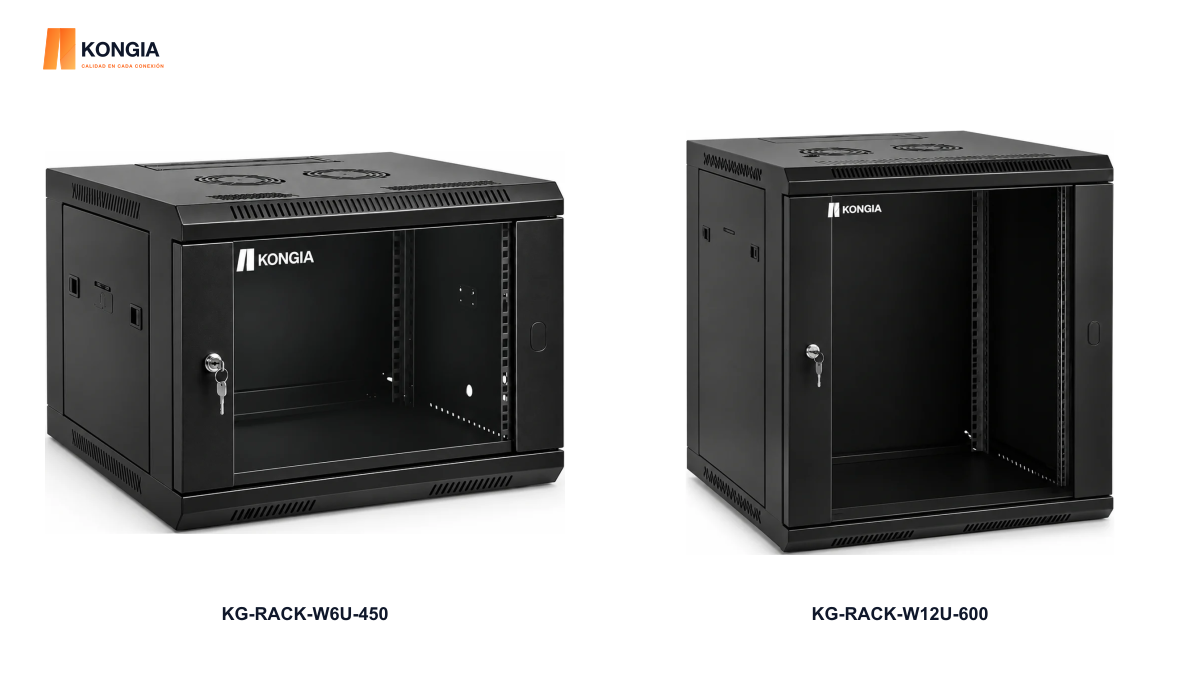
Quick answer. Do not select a cabinet by rack units alone. Add equipment and accessory height, check usable depth with connectors installed, and verify load, wall support and ventilation. The stated external depth does not by itself guarantee usable space.
1. List equipment and accessories
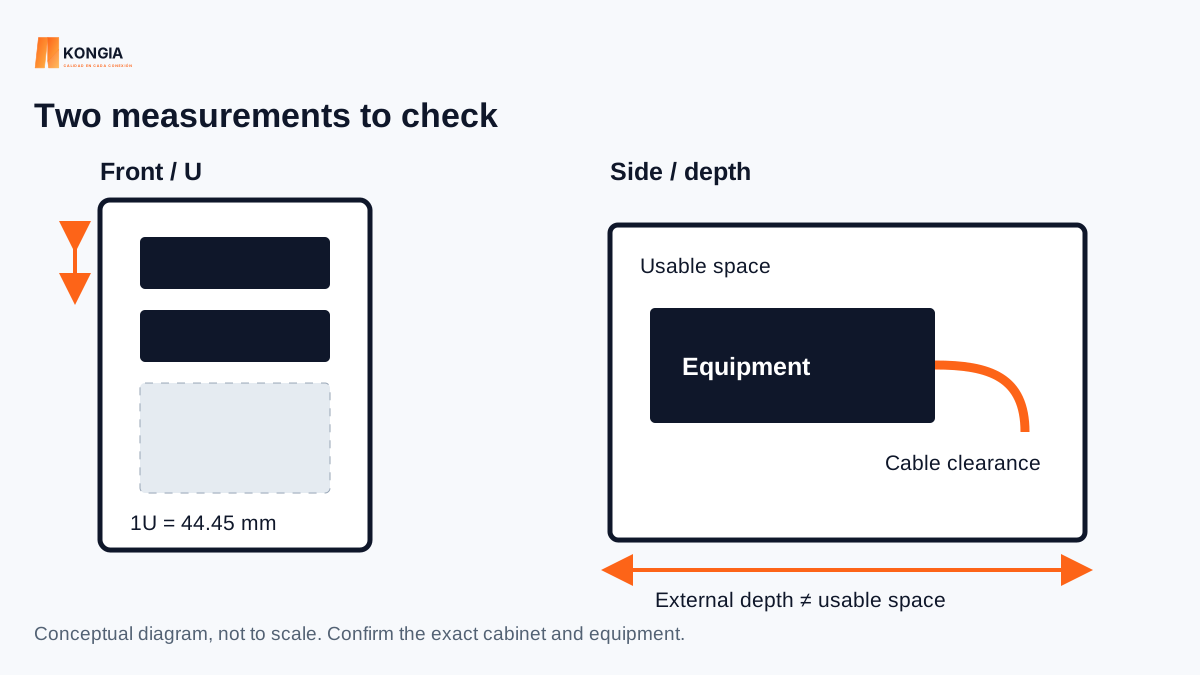
One rack unit (1U) is 44.45 mm of mounting height. This does not represent the cabinet’s complete external height or usable depth.
Include switches, panels, shelves, cable managers and PDUs. Record height, width, depth and weight. Reserve the growth space required by the project; do not apply a universal percentage without knowing the design.
2. Compare two catalog configurations
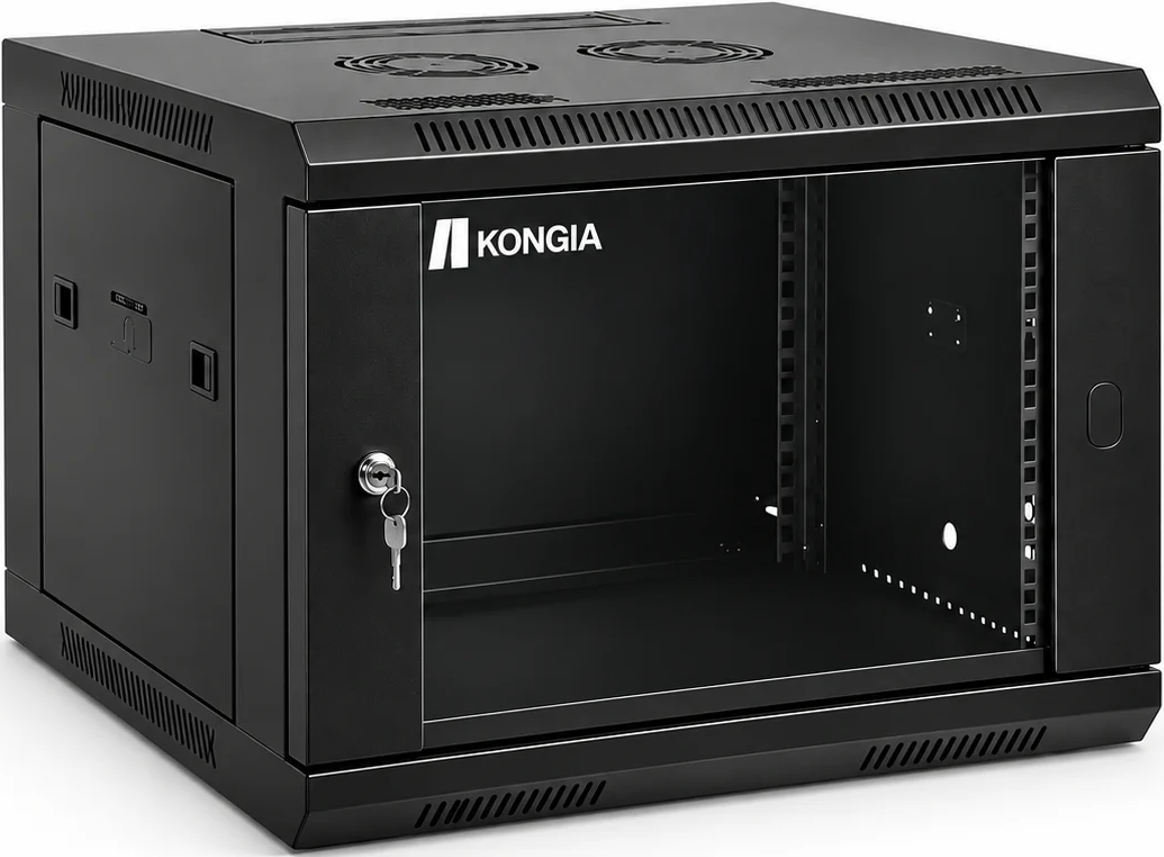
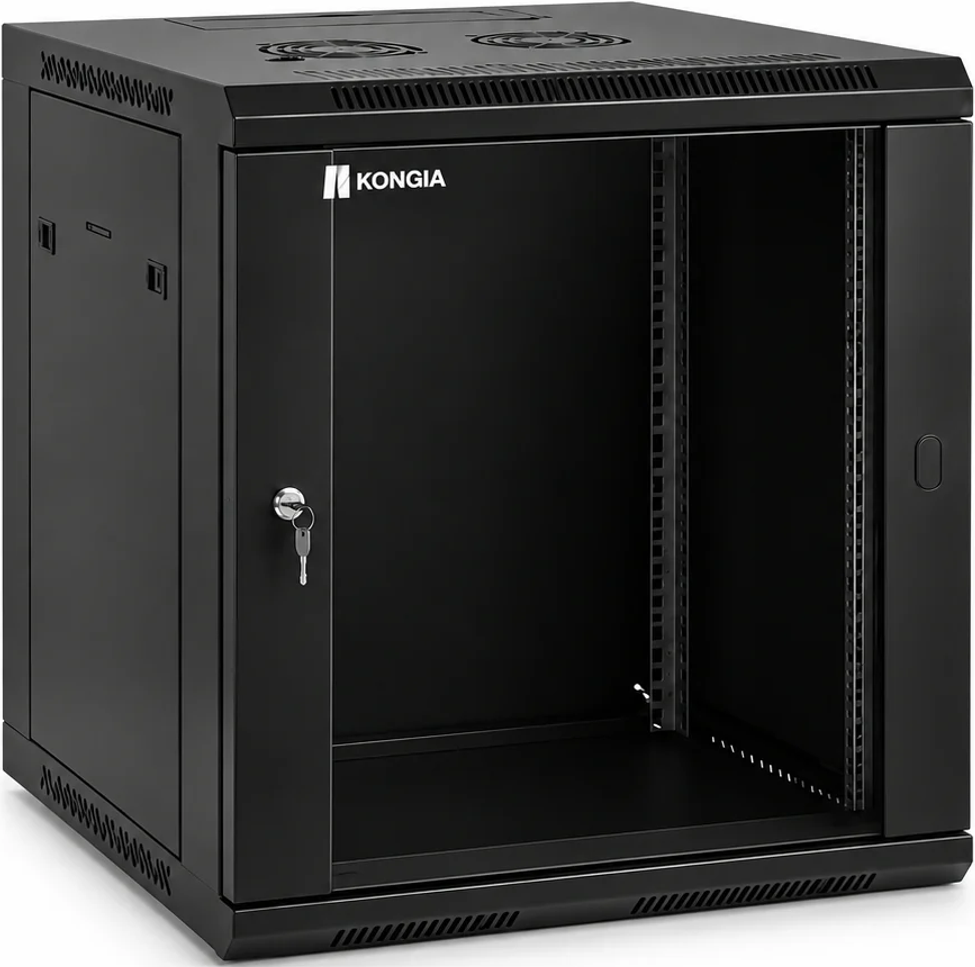
These references illustrate size differences. They do not establish that a particular device fits either cabinet. Confirm usable dimensions and the datasheet for each device before purchasing.
| Reference | Stated height | Stated depth | Still to verify |
|---|---|---|---|
| KG-RACK-W6U-450 | 6U | 450 mm | Usable depth, load and mounts |
| KG-RACK-W12U-600 | 12U | 600 mm | Usable depth, load and mounts |
3. Measure with connectors included
Account for the equipment, its supports, connectors and cable route. Allow the clearance required for bends and for opening or removing components. Check rail spacing and position. A 600 mm external dimension does not automatically provide 600 mm for equipment.
4. Verify mounting and power
Add the installed weight and compare it with the documented cabinet and wall-support ratings. Mounting must follow the applicable instructions. Choose a PDU with compatible voltage, current and connectors; outlet count does not define the allowable load.
5. Plan the layout before ordering
If equipment depth or support capacity is missing, keep selection pending confirmation. A cabinet photograph cannot replace those details.
- Send the equipment list with dimensions and weights.
- Draw the rack-unit layout for panels, shelves and equipment.
- Identify cable entry and maintenance access.
- Confirm ventilation, power and site conditions.
- Request verification of compatibility and required accessories.
Related KONGIA products
Questions before ordering
Does 19-inch width guarantee equipment will fit?
No. Usable depth, mounting, load and cable clearance must also be checked.
Do more rack units mean greater depth?
No. These are separate dimensions; check both for each reference.
Sources and scope
A guide to preparing a selection. It does not establish load ratings or compatibility not documented for each model.
This guide was prepared with AI assistance using the listed product information and references. It is not an independent test report. Specifications and availability must be confirmed for the exact SKU and project. Editorial policy