
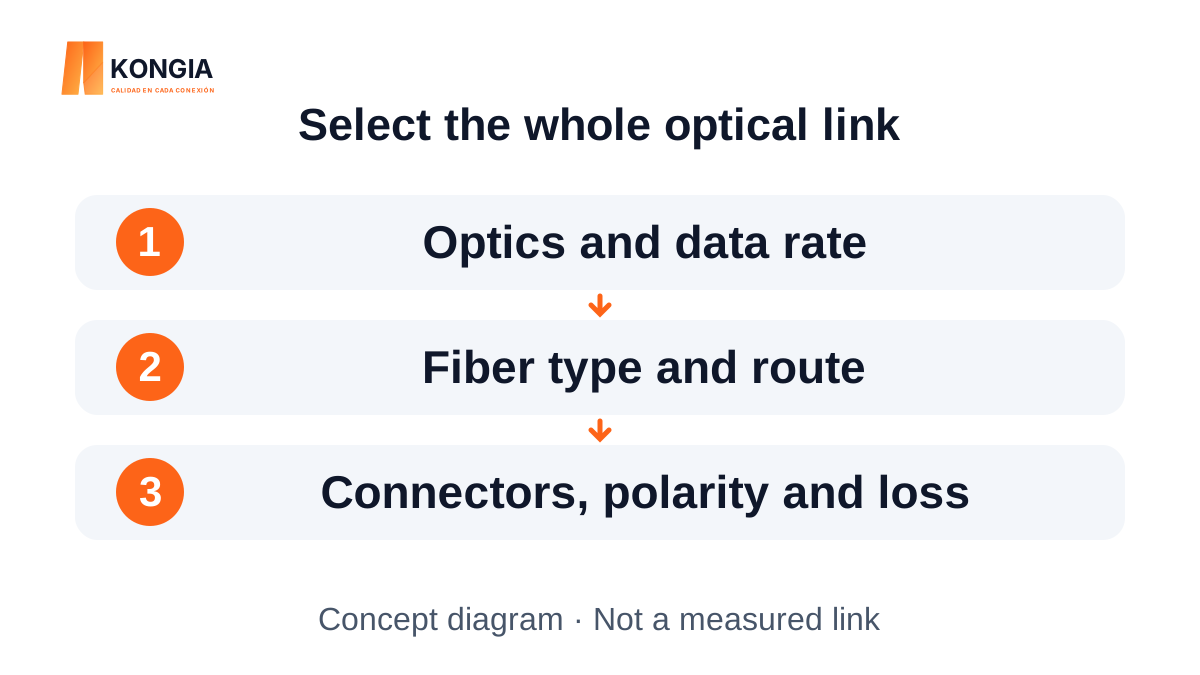
Quick answer. Choose fiber from the optics requirements and complete route. OS2 and OM3 do not become interchangeable by using the same connector: confirm fiber type, data rate, length, fiber count, polish and allowable losses. A suitable patch cord is one component of the solution, not a reach guarantee.
1. Start with the equipment and the complete route
Before choosing OS2 or OM3, record the equipment at both ends, the proposed optical module, required data rate and total route length. Include fixed cable, patch cords and connection points. The straight-line distance between buildings does not describe the actual cable route.
Also confirm whether the link uses one bidirectional fiber or two fibers, the connector format at each port and the required polish. Similar-looking LC connectors do not make multimode and single-mode optics interchangeable. For an extension, identify the installed fiber before ordering accessories.
2. OS2 and OM3 describe fiber, not a reach guarantee
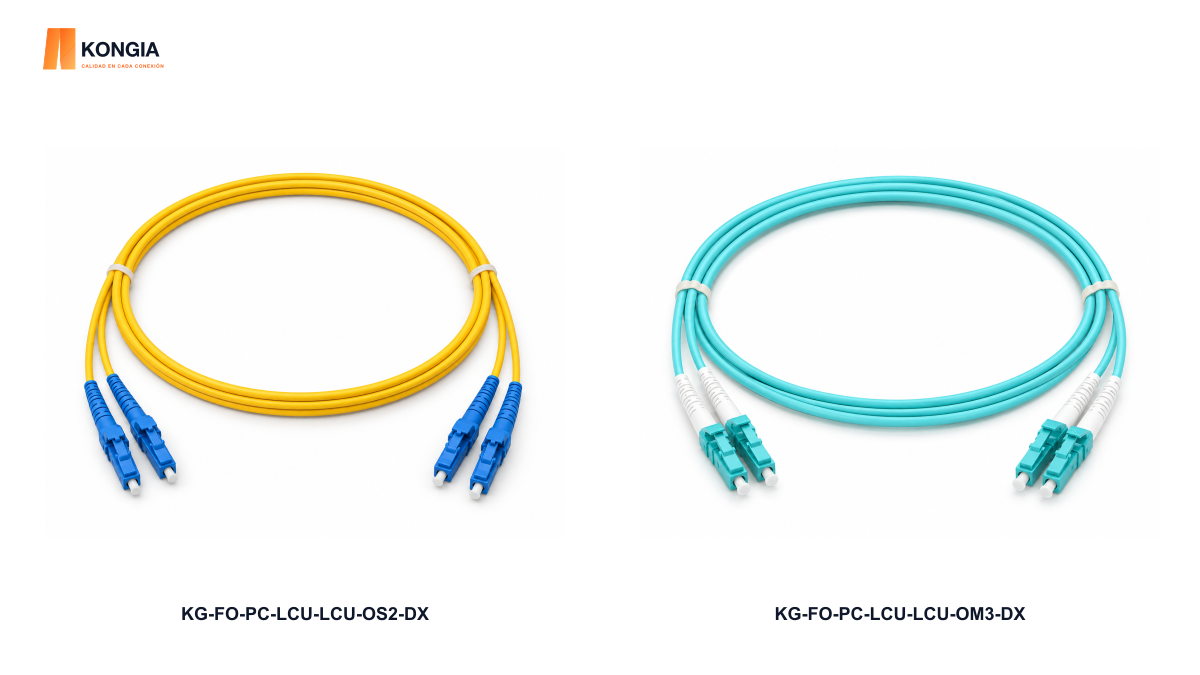
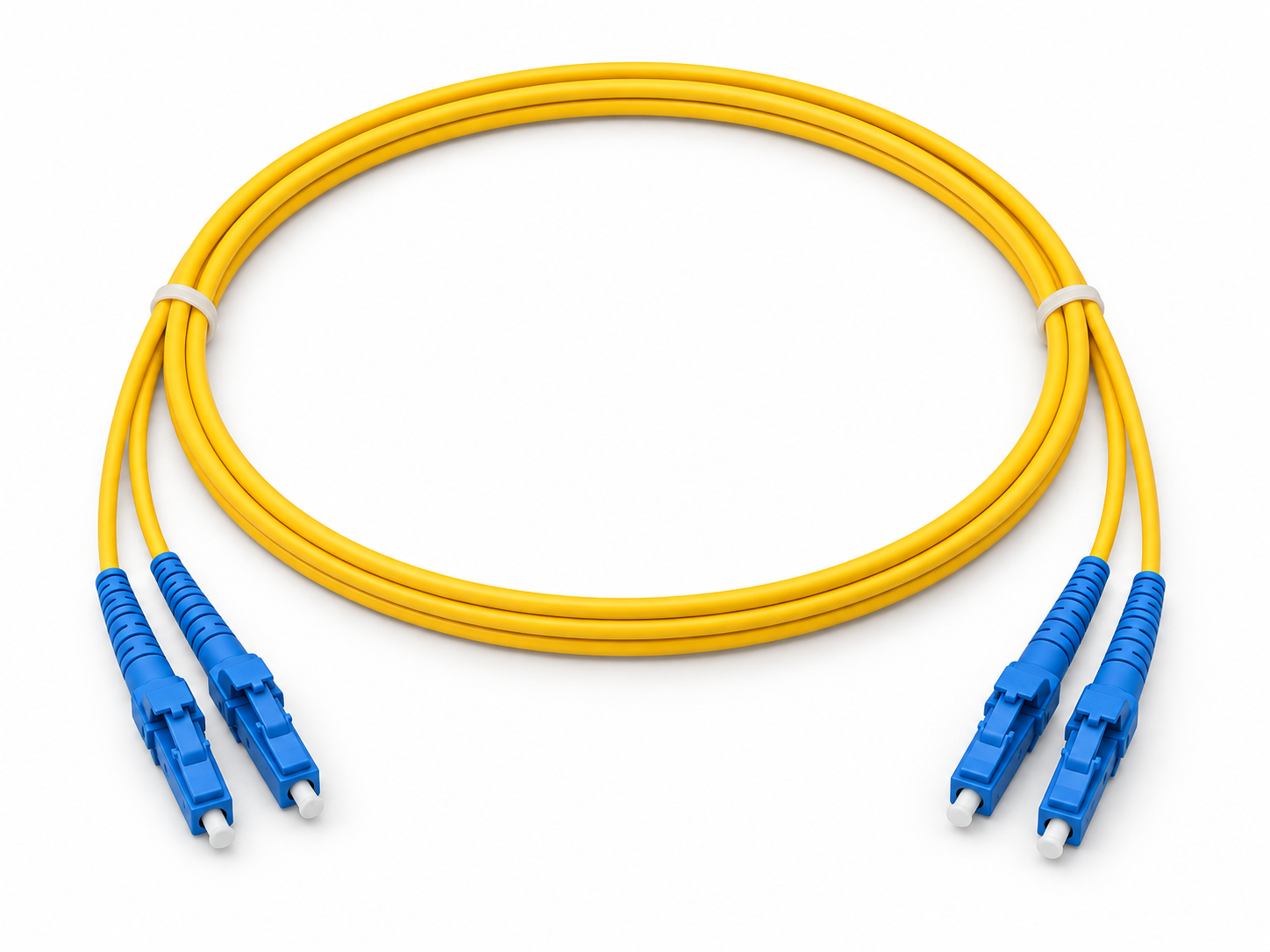
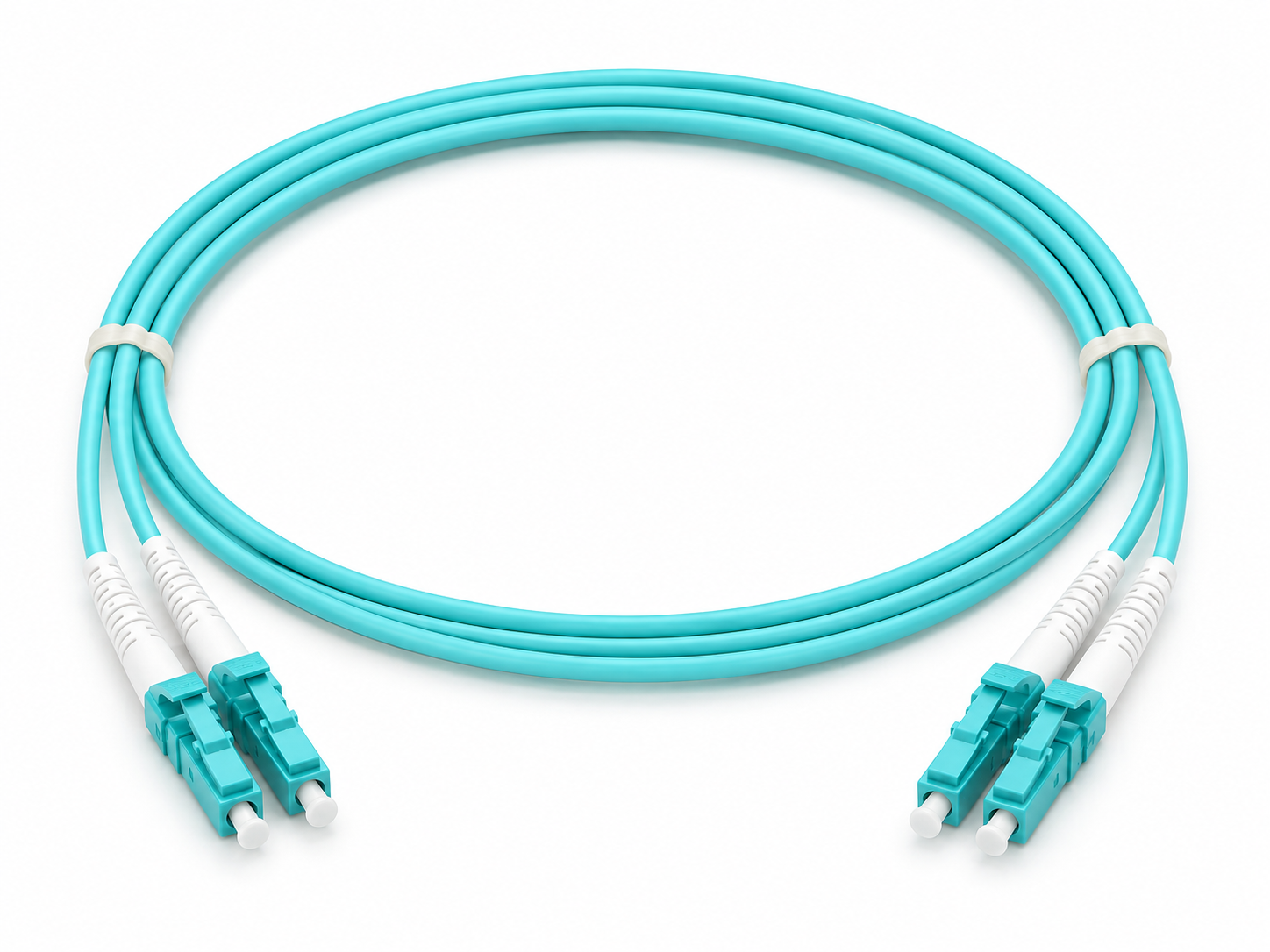
For the two KONGIA families compared here, OS2 is specified as G.652D single-mode 9/125 µm and OM3 as multimode 50/125 µm. Both references are LC/UPC–LC/UPC duplex patch cords. Matching connector formats help compare interfaces but do not replace checks of the optical module and the fiber throughout the route.
The cited Cisco data sheet supplies a specific example: its SFP-10G-SR uses multimode fiber and supports up to 300 m on OM3; its SFP-10G-LR uses G.652 single-mode fiber and supports up to 10 km. These are conditions for those modules, not certification of KONGIA products or a universal reach for every OS2 or OM3 link.
3. Compare two KONGIA references with matching interfaces
KG-FO-PC-LCU-LCU-OS2-DX and KG-FO-PC-LCU-LCU-OM3-DX separate two decisions: fiber family and patch-cord length. The product sheets list duplex construction, two fibers, LC/UPC connectors at both ends and 1, 2, 3, 5, 10 and 20 m options. Specify the required length when requesting a quotation.
The illustrations in this guide are conceptual, not installation photographs or performance measurements. Jacket colors may help identify the catalog references, but fiber identification must rely on the product sheet, labeling and route documentation. Do not infer compatibility from color.
| Check | KG-FO-PC-LCU-LCU-OS2-DX | KG-FO-PC-LCU-LCU-OM3-DX |
|---|---|---|
| Published fiber | OS2 G.652D single-mode 9/125 µm | OM3 multimode 50/125 µm |
| Connectors for this reference | LC/UPC–LC/UPC | LC/UPC–LC/UPC |
| Construction | Duplex: two fibers | Duplex: two fibers |
| Published lengths | 1, 2, 3, 5, 10 and 20 m | 1, 2, 3, 5, 10 and 20 m |
| Selection requires | Compatible single-mode optics and route | Compatible multimode optics and route |
| Still to verify | Losses, polarity and equipment requirements | Losses, polarity and equipment requirements |
4. Keep fiber, polarity and optical budget consistent
Do not insert an OM3 patch cord into an OS2 route as an improvised substitute, or assume the reverse combination is valid. Select the assembly according to the equipment, module and cabling specifications. For a duplex link, verify that TX and RX reach the intended ports; for BiDi, confirm the complementary pair and single fiber.
Fiber attenuation is only one contributor to link loss. Connections, splices, contamination and damage can consume margin. Obtain minimum and maximum TX power, RX sensitivity and overload limits for the exact optics; compare the budget against planned and measured losses. Missing optical data means the selection remains incomplete. Never look into an active fiber.
5. Decide for the project without an automatic buying rule
For an existing network with compatible multimode optics and a documented route, retaining a coherent OM3 solution may avoid unnecessary replacement. For a new link requiring single-mode optics or a different reach, evaluate OS2 as part of a complete design. These are design questions, not a recommendation that one fiber family is always better.
Compare installed cost: optics, fixed cable, patch cords, panels, labor, identification and acceptance. For a distributor, a short list of clearly identified references makes the options easier to explain to installers. Availability, delivery and commercial terms must be confirmed in the quotation.
6. Checklist for ordering and receiving
Prepare a verifiable specification before approving the order. Record missing information instead of replacing it with an assumption. On receipt, compare the reference, length and labeling against the order and preserve material identification for installation.
- Equipment and module models at both ends; data rate and wavelengths.
- OS2 or OM3 throughout the route; fiber count and polarity.
- Connector and polish at both ends; length and quantity per SKU.
- Planned losses and TX/RX limits; an agreed acceptance method.
- Delivery city, required documentation and quotation terms.
Related KONGIA products
Questions before ordering
Does LC mean the patch cord is multimode?
No. LC identifies a connector format. KONGIA lists both OS2 and OM3 LC/UPC patch cords; confirm the fiber family and optics requirements.
Does an OS2 patch cord guarantee a 10 km link?
No. Reach depends on the exact optics, route, connections and loss budget. A module reference distance does not certify an installation.
Can I identify the fiber by color alone?
No. Verify labels, the product sheet and route documentation. Color is a clue, not a substitute for technical identification.
Are the illustrations product photographs or test results?
No. They are KONGIA concept diagrams explaining selection checks. Actual references are linked as products; specify the required patch-cord length when ordering.
The KONGIA approach
KONGIA aims to help installation partners select and explain connectivity products with greater confidence. For fiber, that starts with clear references and compatibility questions before purchase. Our purpose is to simplify selection and sourcing while respecting the distributor’s investment and the cooperation terms agreed in writing.
Our purpose and values →Sources and scope
Selection guidance, not an optical design or test report. Cisco examples apply only to the cited modules and do not certify KONGIA products. KONGIA references describe the reviewed SKUs, not local availability or installed performance.
- Cisco — 10GBASE SFP+ Modules Data Sheet; specific SR and LR examples
- KONGIA — KG-FO-PC-LCU-LCU-OS2-DX
- KONGIA — KG-FO-PC-LCU-LCU-OM3-DX
Prepared with AI assistance and the listed references. This is not an independent test report. Illustrations are conceptual and do not represent an actual installation. The product images use approved KONGIA catalog originals; separate technical diagrams remain explanatory. Editorial policy