
Quick answer. Start with the complete link: Ethernet speed, installed fiber, connectors and the device at the other end. Then select compatible optics and check the optical budget. A distance printed on a product does not, by itself, establish that your link will work.
1. Define what you need to connect
Record both endpoints, such as a network switch and a remote Ethernet device. Identify the required speed and number of connected devices. A converter with one RJ45 port does not replace a multiport switch.
Separate port speed from useful capacity across the network. Upgrading one segment to Gigabit does not remove a 100 Mbps bottleneck elsewhere. For an IP camera, also identify its power source: media conversion and Power over Ethernet are separate functions.
2. Choose an optical architecture
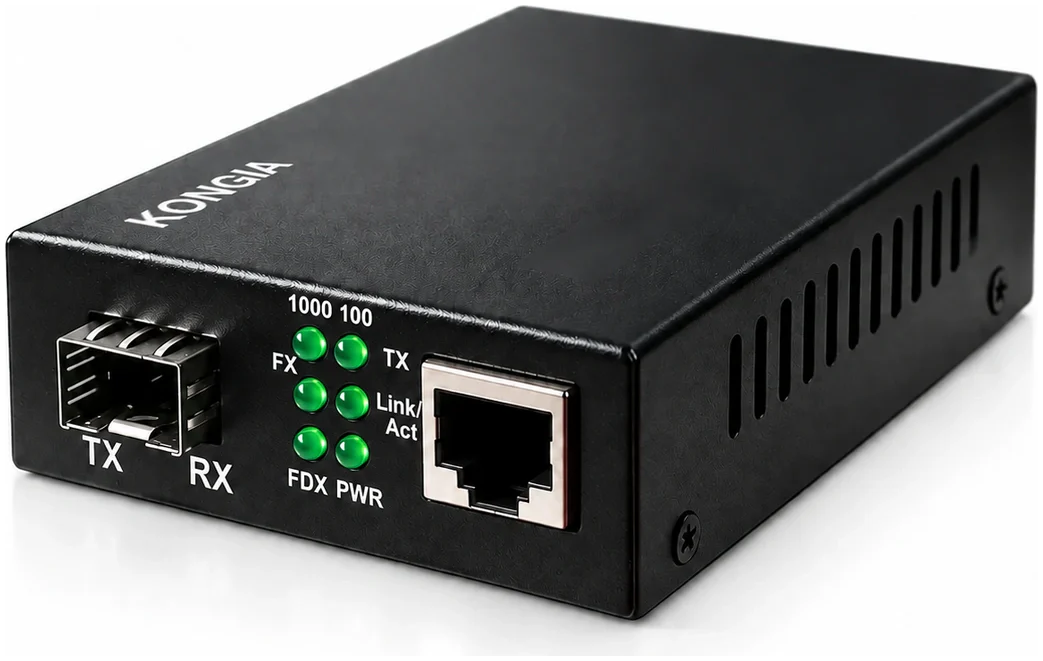
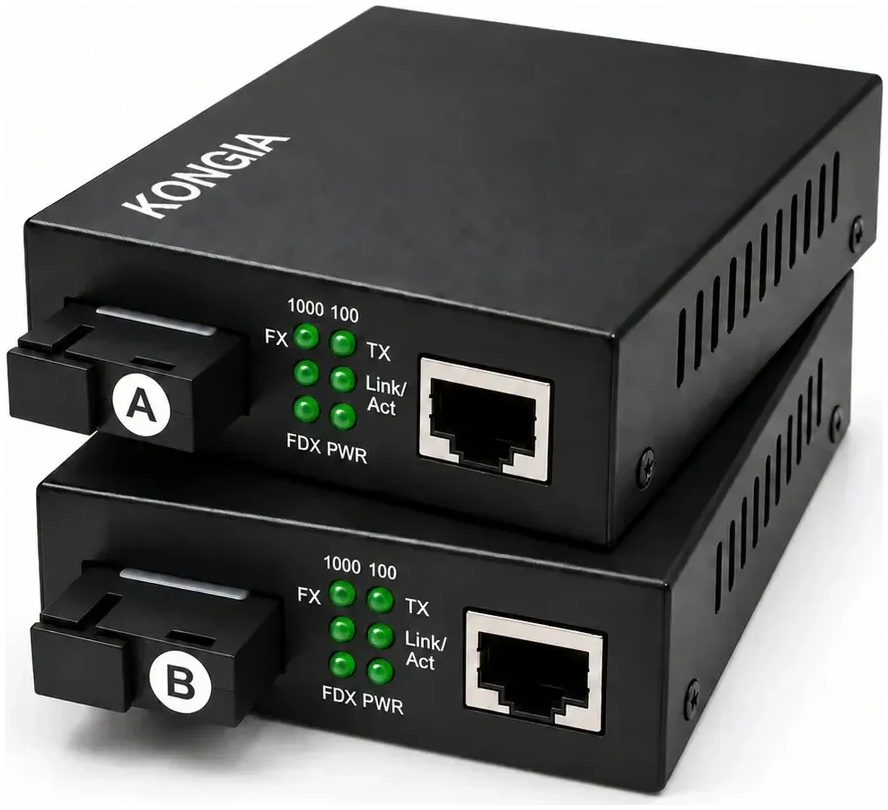
The SFP name alone is insufficient: verify module speed and converter compatibility. Do not connect two identical A-side BiDi units; the endpoints need complementary transmit and receive characteristics.
| Criterion | SFP converter | Integrated SC BiDi kit |
|---|---|---|
| Optics | Select a compatible module separately. | Optics are built into each converter. |
| Fiber and connector | Depend on the installed module. | The referenced kit uses one single-mode fiber and SC. |
| Purchasing | Specify converters, modules and cabling. | Purchase the A+B pair; confirm cabling and accessories. |
| Typical fit | Projects needing a choice of optics. | Links matching the kit specifications. |
3. Check fiber, loss and connectors
Identify the installed fiber and both endpoint connectors. The optical budget relates transmitter output and receiver sensitivity to the loss across the path. Fiber length, splices and connections contribute to that loss.
Request optical power specifications and an appropriate design margin before approving a link. If these are unavailable, leave compatibility unconfirmed rather than treating a nominal 20 km rating as a guarantee. A measured link-loss result provides evidence that a product photograph cannot.
4. Check the contents of the box
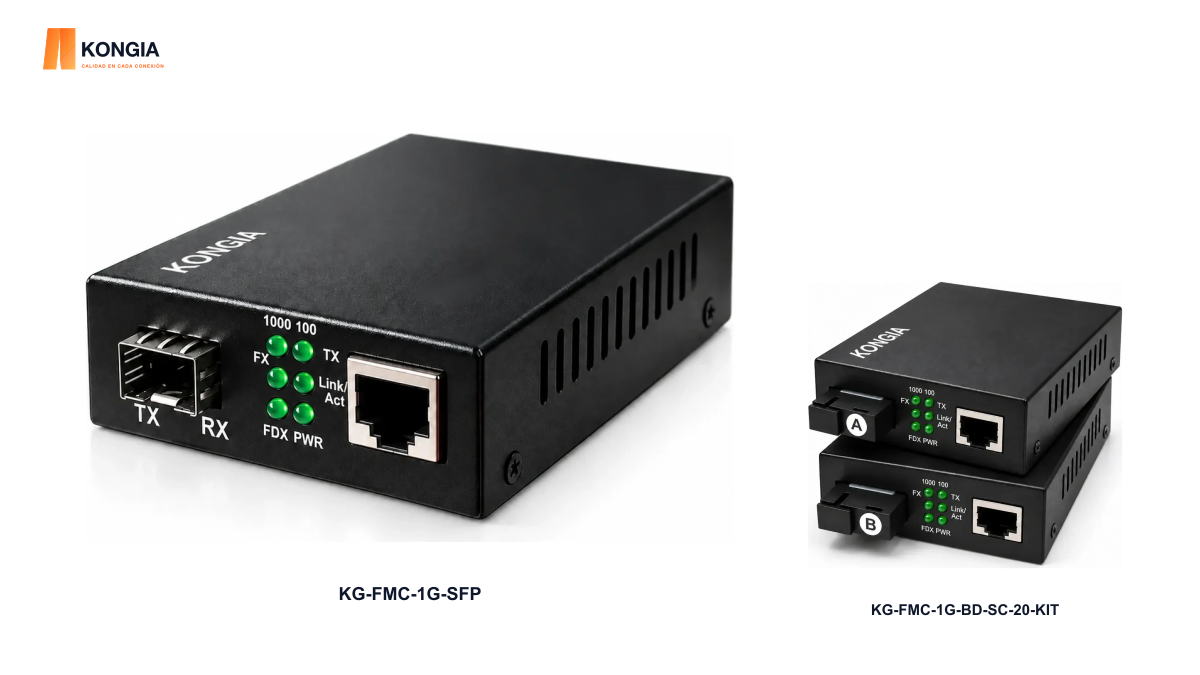
KONGIA KG-FMC-1G-SFP provides one 10/100/1000 Mbps RJ45 port and one 1.25 Gb/s SFP slot; the SFP is not included. KG-FMC-1G-BD-SC-20-KIT contains two complementary A+B converters with built-in optics. These are different ways to complete a link.
Confirm power supplies, plug type, optical cabling and environmental limits for the exact SKU. For a project in Chile, add delivery city, quantities and required timing. This guide does not imply local inventory or a committed delivery date.
5. Prepare a complete quotation request
These details allow the complete assembly to be reviewed before purchase. Mark unknown requirements as pending instead of selecting a variant at random.
- Identify the source and destination devices and Ethernet speed.
- State route length, fiber type and available strand count.
- Provide connector types and the existing optical module datasheet, if applicable.
- Describe power, PoE requirements and installation conditions.
- Include quantity, delivery city and required accessories.
Related KONGIA products
Questions before ordering
Do all Gigabit converters include an SFP?
No. KG-FMC-1G-SFP requires a separately purchased compatible module. The referenced SC BiDi kit has integrated optics.
Will a converter automatically power a camera?
Do not assume this. Check that the exact SKU supports PoE, the applicable standard and the power needed by the device. An RJ45 port alone does not establish PoE support.
Can I order just one converter?
It depends on the remote endpoint already available. A link requires two optically compatible endpoints. An A+B kit contains both converters; a single-unit reference may require another device.
Sources and scope
Selection guidance based on the identified SKU pages. The FOA reference supports optical-budget principles; it does not certify or test these KONGIA products.
- KONGIA — KG-FMC-1G-SFP
- KONGIA — KG-FMC-1G-BD-SC-20-KIT
- Fiber Optic Association — Fiber optic data links
This guide was prepared with AI assistance using the listed product information and references. It is not an independent test report. Specifications and availability must be confirmed for the exact SKU and project. Editorial policy